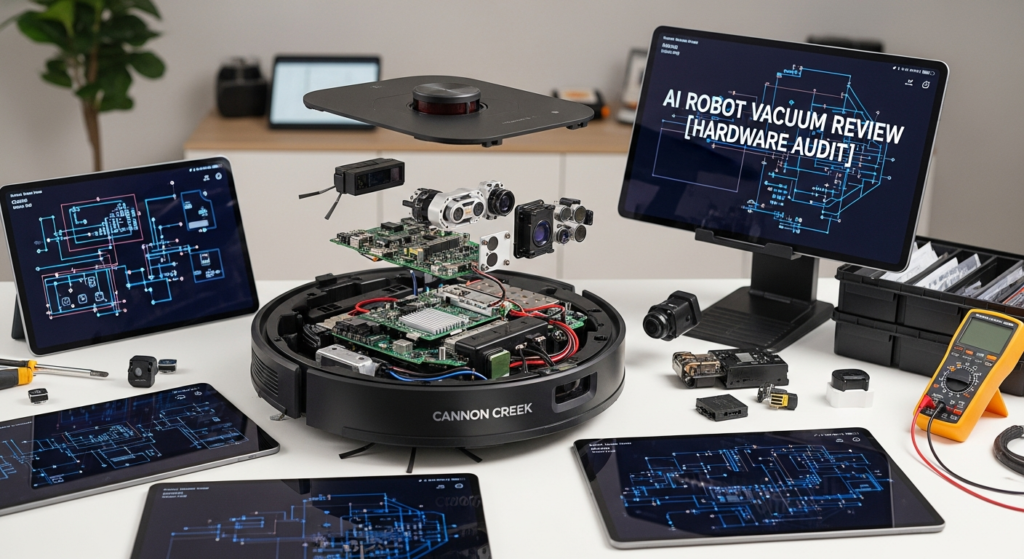
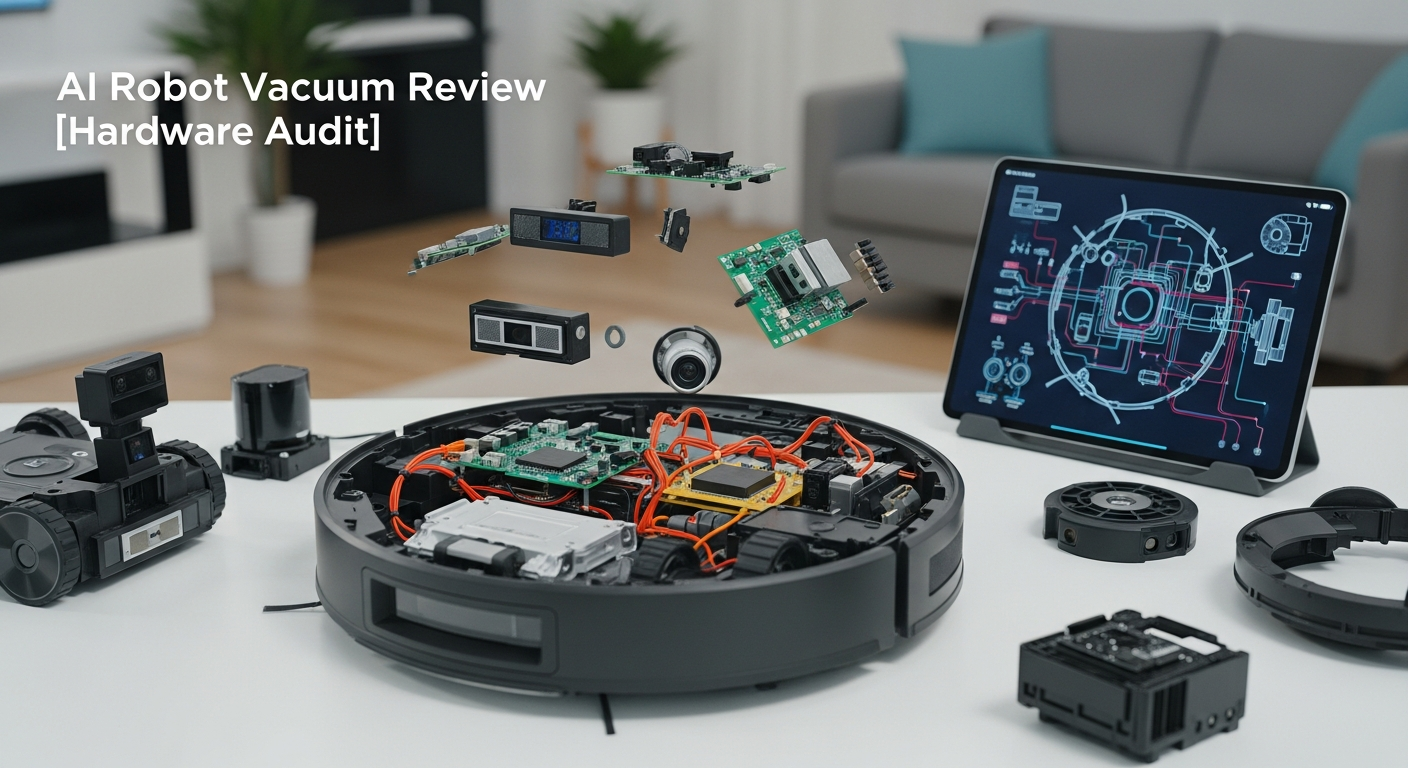
The promise is seductive: a truly autonomous robot that maps your home, dodges dog toys and charging cables, then quietly empties its own bin and washes its own mop. The marketing calls it “AI,” but after spending thousands on these flagships, I call it what it is: brilliant mechanical engineering hobbled by a cloud-tethered, locked-down “brain.” This isn’t a review of cleaning power—they all clean well. This is a hardware audit of the modern AI robot vacuum for the systems integrator, the Home Assistant user, the homeowner who believes “smart” should mean local, not just connected.
We’re going to tear down the marketing claims, audit the hardware, and answer the fundamental questions: Does it think, or just follow a script? Is the processing local or cloud? And can I, the owner of the hardware, actually control it?
Pros and Cons of 2024 Flagship Robot Vacuums
Before we dive deep, here’s the high-level summary for those short on time.
- Pro: Incredible Dock Automation. The self-emptying, mop-washing, and mop-drying docks are a massive quality-of-life improvement and the primary reason to upgrade.
- Pro: Advanced Mechanical Cleaning. Features like vibrating mops (Roborock’s VibraRise) and corner-cleaning arms (FlexiArm) are genuine innovations that deliver a better clean.
- Pro: Excellent Raw Performance. Suction power and mopping effectiveness on flagship models are top-of-the-line. They are fantastic cleaning appliances.
- Con: “AI” Object Avoidance is Unreliable. While good at spotting large objects, these systems are consistently fooled by small, low-profile items like phone cables and socks.
- Con: No True Local Control. All major brands lack an official local API, forcing users into cloud-dependent apps and integrations that are slow and unreliable.
- Con: “Matter” Integration is a Gimmick. The current Matter standard for vacuums is too basic, offering little more than on/off control and stripping away all advanced features.
- Con: Poor Repairability. These are closed “black box” systems. Outside of simple consumables, a hardware failure often means an expensive replacement, not a user-friendly repair.
The Contenders: A Spec-Sheet Showdown
I’ve focused on the three flagships that dominate the conversation: the Roborock S8 MaxV Ultra, the Ecovacs Deebot X2 Omni, and the iRobot Roomba Combo J9+. On paper, they are the pinnacle of home robotics. In practice, the spec sheet only tells half the story.
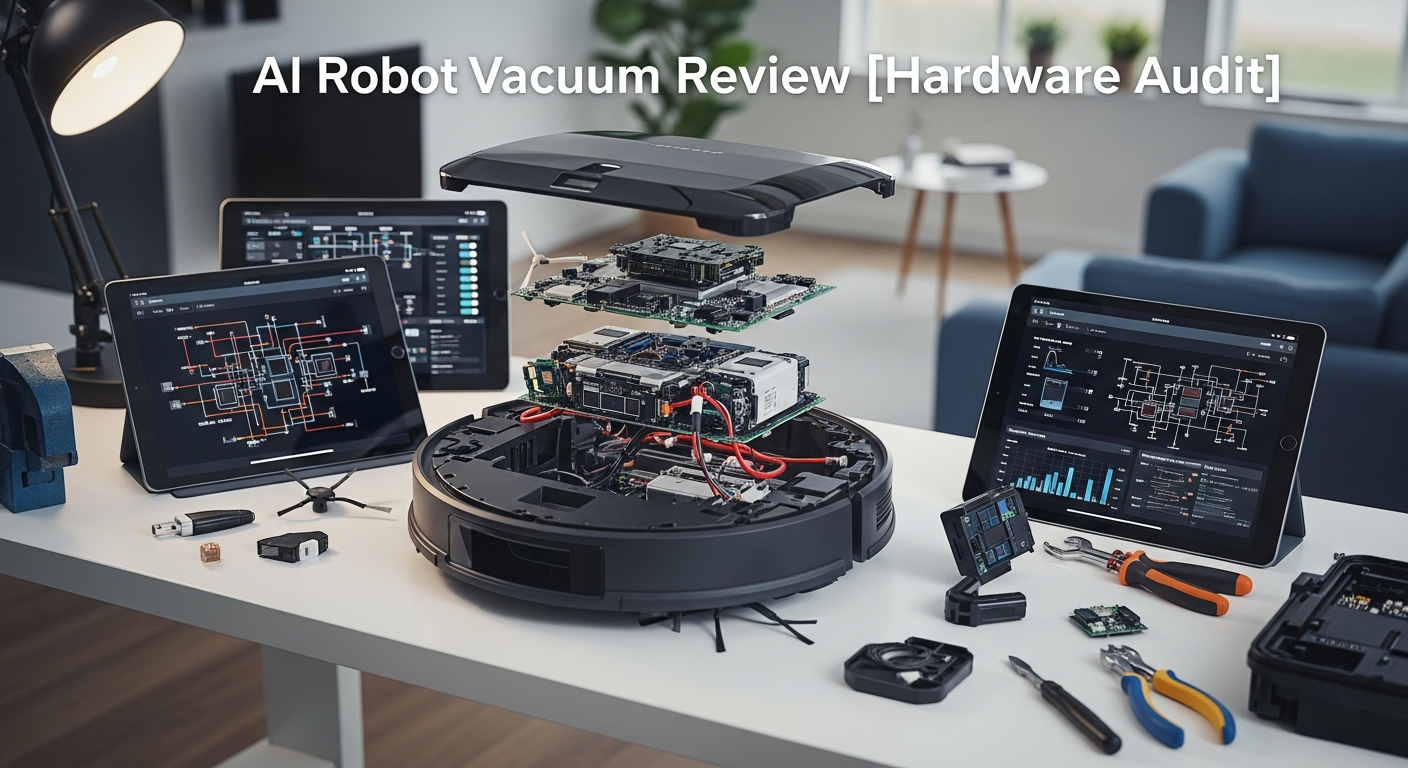
| Feature | Roborock S8 MaxV Ultra | Ecovacs Deebot X2 Omni | iRobot Roomba Combo J9+ | Engineer’s Notes |
|---|---|---|---|---|
| Price (MSRP) | ~$1,799 | ~$1,599 | ~$1,399 | You’re paying for the dock, not the “AI”. |
| Primary Navigation | LiDAR (PreciSense) | LiDAR (Solid-State option) | vSLAM (Visual SLAM via Camera) | LiDAR is king. It’s faster, more accurate in low light, and less computationally intensive than trying to build a map from a 2D camera feed (vSLAM). Roomba’s reliance on vSLAM feels dated. |
| Object Avoidance | RGB Camera + 3D Structured Light | RGB Camera + 3D ToF Sensor | Front-Facing Camera (PrecisionVision) | This is the “AI” core. It’s all on-device pattern recognition. Structured Light (like Face ID) gives better 3D depth maps than Time-of-Flight (ToF), but both are leagues ahead of a simple camera. |
| Processing Unit | Not Disclosed | Not Disclosed | Not Disclosed | Red Flag. Manufacturers hide the SoC specs (CPU, RAM, NPU) because they are likely cheap, commoditized parts. Performance is judged by results, and the results are inconsistent. |
| Connectivity | Wi-Fi (2.4GHz), Matter | Wi-Fi (2.4GHz), Matter | Wi-Fi (2.4/5GHz), Matter (pending) | The Matter logo on the box is a marketing gimmick right now. It’s a thin wrapper over the same old cloud dependencies. More on this later. |
| Local Control API | None. Cloud polling only. | None. Cloud polling only. | None. The most locked-down of the three. | FAIL. This is the single biggest point of failure for any true smart home integration. You are a tenant, not an owner, of your device’s data and control plane. |
| Unique Hardware | FlexiArm (edge mop), VibraRise 2.0 | Square shape, Hot water mop washing | D.R.I., Auto-retracting mop arm | This is where the real innovation is. The mechanical engineering is impressive and solves tangible cleaning problems. |
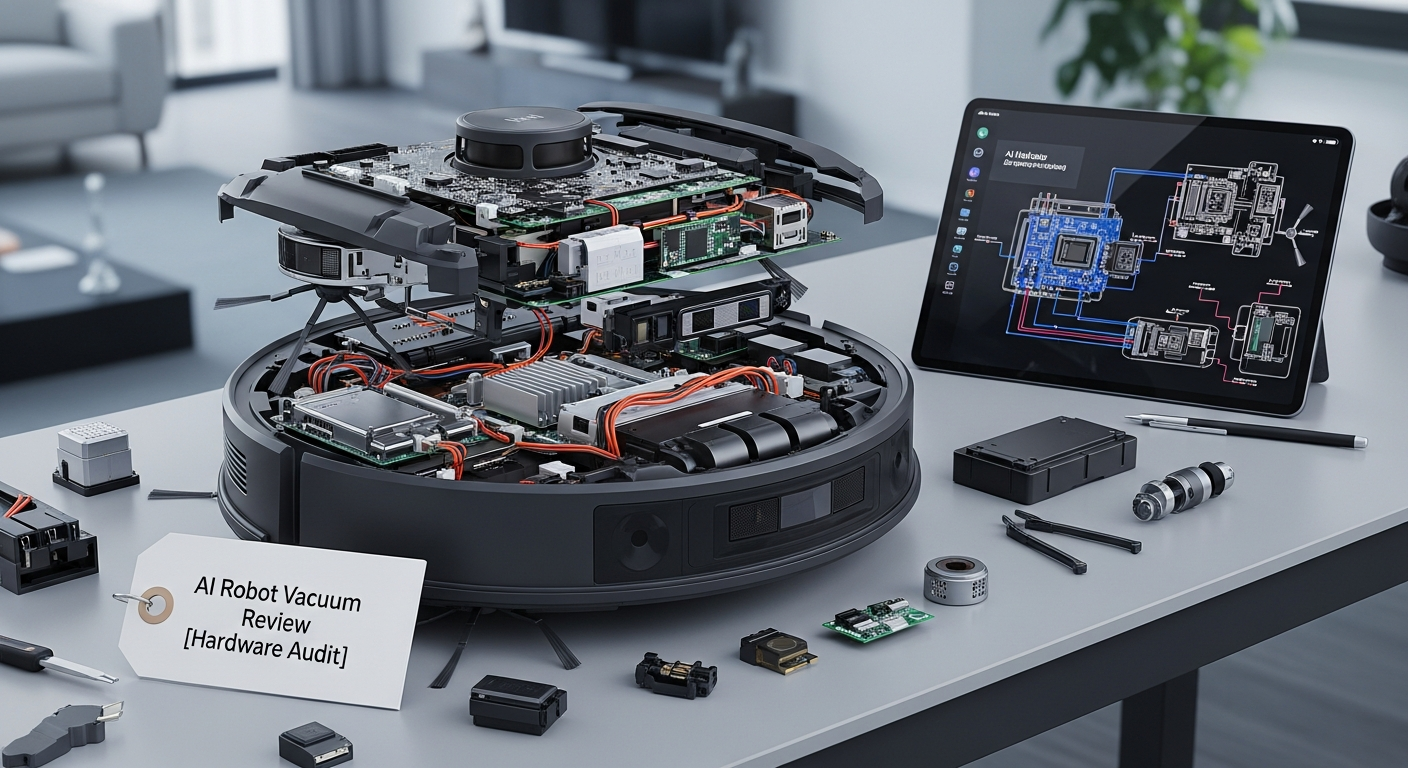
| Repairability | Low. Modular consumables only. | Low. Modular consumables only. | Low-Medium. iRobot has a history of parts availability, but the core units are still black boxes. | None of these are designed for user repair. A dock failure outside of warranty is likely a total replacement. |
The “AI Brain” Check: Brittle Recognition, Not True Intelligence
The marketing teams want you to envision a tiny C-3PO navigating your living room. The reality is an on-device neural processing unit (NPU) running a pre-trained model to recognize a limited library of objects.
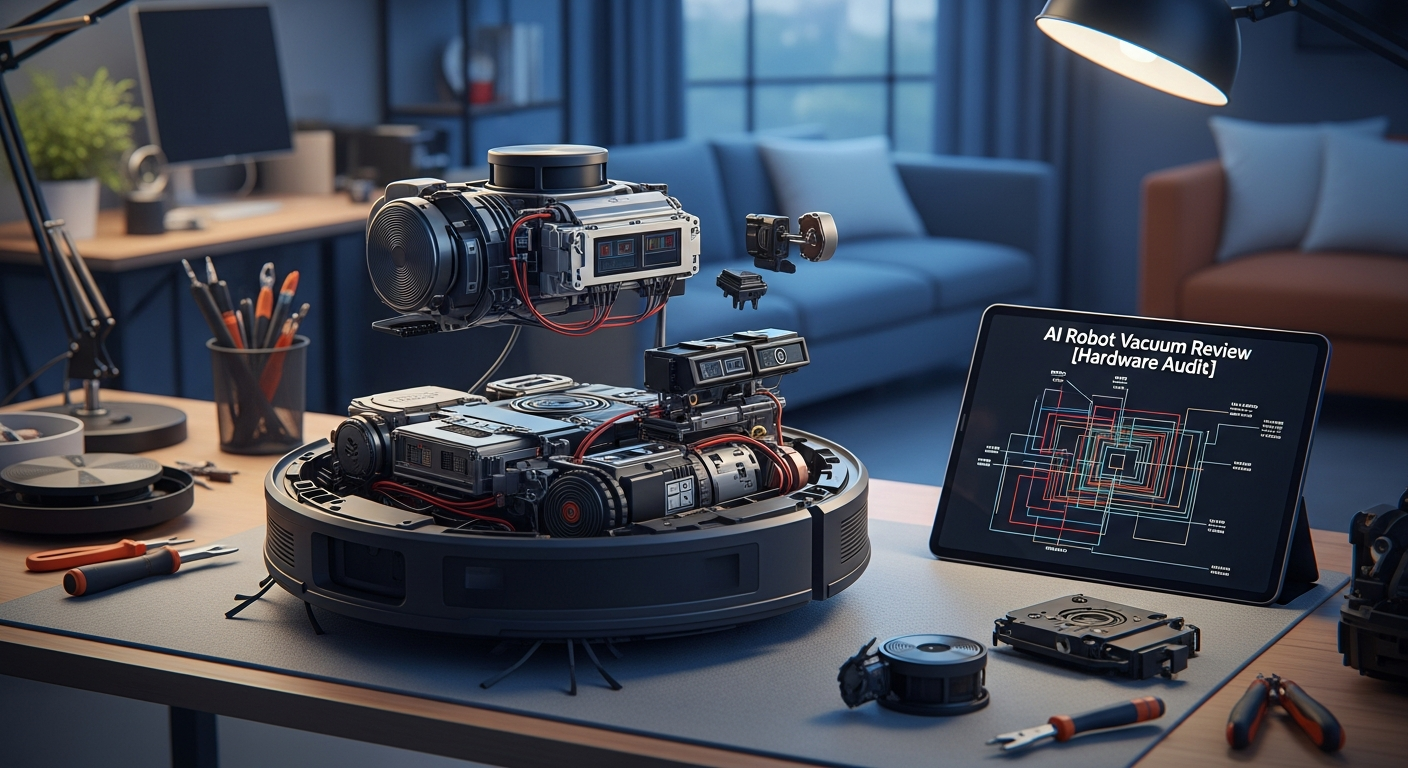
Brain Check Result: It doesn’t think, it matches.
- Local or Cloud? The object recognition (the “AI”) is happening locally on the robot. This is good for speed and basic privacy; your robot isn’t streaming video to China to decide if that’s a sock. The problem is that all the control—the commands, the schedules, the maps—is routed through the cloud.
- Performance: It’s brittle. It will reliably see a shoe or a backpack. It will just as reliably get tangled in a thin black phone cable or try to eat a flat-lying sock. The “P.O.O.P. Guarantee” from iRobot isn’t a sign of confidence; it’s an admission that their visual system struggles with low-profile, ambiguous objects. The “AI” is a statistical model, and it’s easily fooled.
- The Real Innovation: It’s Mechanical, Not Digital
Forget the AI hype. The reason to spend nearly $2,000 on one of these is the incredible mechanical engineering, particularly in the docking stations.
The Dock is King: This is the single biggest quality-of-life improvement in home automation since the smart plug.
* Auto-Empty: Sucks dust from the robot’s tiny bin into a large, disposable bag.
* Mop Washing: Uses clean water to scrub the mopping pads, often with rollers or agitators.
* Hot Water Washing (Ecovacs): A legitimate improvement for cutting through grease and grime on the mop pads.
* Mop Drying: Uses heated air to dry the pads, preventing mildew and odors.
This level of automation is the true “set it and forget it” feature. It’s a complex, multi-stage process of pumps, valves, and fans that just works.
Ingenious Cleaning Hardware:
The robots themselves have physical features that solve real-world problems far more effectively than the “AI.”
* Roborock’s FlexiArm: A small, articulated robotic arm that extends a side brush into corners. It’s a simple, brilliant solution to the “round robot, square corner” problem.
* Lifting/Retracting Mops: All three flagships can now lift their mopping pads when a carpet is detected. The Roomba J9+ takes this a step further by retracting its entire mop arm to the top of the robot, guaranteeing a dry rug.
* Vibrating Mop Pads (Roborock): The VibraRise system uses sonic vibration to actively scrub the floor, not just drag a wet cloth across it. This is significantly more effective for stuck-on messes.
Smart Home Integration: The Great ‘Matter’ Deception
This is where these devices fail completely for the technical user. The promise of open standards like Matter is a lie.
Smart Home Integration Score: 2/10
The Matter logo on the box suggests a future of local, interoperable control. The reality is a cynical marketing ploy. The current Matter 1.2 specification for robot vacuums is incredibly basic. For most of these robots, it exposes little more than an on/off switch and a battery sensor.
You get none of the features you actually paid for:
* No clean_room or clean_zone service.
* No control over suction power or mop water level.
* No ability to send the robot to a specific location.
* No access to the map.
All of that functionality remains locked away in the manufacturer’s proprietary, cloud-based API.
A proper local integration in Home Assistant would look like this. This is what we should have:
What the current, unstable, reverse-engineered cloud integrations give you is a clunky, high-latency version of this that breaks every time the manufacturer pushes a firmware update. The official Matter integration, for now, is useless for anything beyond a simple “start cleaning the whole house” command.
Privacy & Local Control: You Don’t Own Your Robot
Let’s be blunt. When you use these robots as intended, you are giving a corporation:
* A complete, detailed floorplan of your home.
* A schedule of when you are home and away.
* If you enable camera features, a stream of images from inside your house.
Because there is no official local API, you cannot run these robots without an internet connection. If you block them at your firewall, they become expensive, dumb vacuums. You can’t start a clean, you can’t see the map, you can’t do anything.
This is a deliberate choice to lock you into their ecosystem, their app, and their data collection practices. The only way around this is to buy older, specific models that have known vulnerabilities, root them, and install open-source firmware like Valetudo. This voids your warranty and you lose out on the latest mechanical hardware, but it’s the only path to true, 100% local control.
WAF (Wife/Family Acceptance Factor) & Repairability
WAF Score: 9/10
For the non-technical family member, these things are magic. The app is straightforward, and the core promise of “push a button and the floor gets cleaned” is delivered flawlessly. The automated dock means they don’t have to touch the robot for weeks at a time. From a pure appliance perspective, the user experience is excellent.
Repairability Score: 3/10
This is not maker-friendly hardware. Consumables like brushes, filters, and mop pads are easily user-replaceable. But if a motor, sensor, or a component in the dock fails, you’re out of luck. There are no service manuals, no schematics, and no official source for replacement parts beyond the consumables. You’re expected to ship the entire multi-hundred-dollar unit back for repair or, more likely, buy a new one.
The Verdict: An Engineer’s Buying Advice
So, should you buy an AI robot vacuum? It depends entirely on which master you serve: convenience or control.
- For the Automation Enthusiast Who Values Convenience: Yes. The mechanical hardware and docking stations are a game-changer for home maintenance. The cleaning is superb. If you can stomach being locked into a manufacturer’s app and cloud ecosystem, the Roborock S8 MaxV Ultra is the current king of mechanical innovation. Its edge and corner cleaning are tangible benefits no other robot offers.
- For the Local Control & Privacy Purist: Absolutely not. This entire generation of flagship robots is a step backward for user ownership. Your best move is to find a supported, rootable older model (like a Roborock S5 or Dreame Z10 Pro) and install Valetudo. You will sacrifice the fancy mop washing and drying dock, but you will gain 100% local, private, and robust control via MQTT in Home Assistant.
- The Unhappy Compromise: Buy the new hardware for its superior mechanical cleaning, use the manufacturer’s app for setup, and then try to wrangle it with a community-built, reverse-engineered Home Assistant integration. Be prepared for it to break with every firmware update and accept that your data is in the cloud. It’s a frustrating but sometimes necessary compromise to get the best cleaning hardware with some semblance of smart integration.
Ultimately, the “AI” in these vacuums is just marketing. The real intelligence is in the pumps, arms, and heaters of their docks. And until these manufacturers provide an official, robust, local API, they will remain powerful appliances, not truly smart devices.
Frequently Asked Questions (For Integrators)
1. Can I block these robots from the internet with my firewall?
Yes, you can block their internet access. However, if you do, you will lose all “smart” functionality. You won’t be able to use the app to start a clean, manage maps, or set schedules. The robot will effectively become a “dumb” device with a start button on top.
2. Do they work with Home Assistant?
Barely. They work via unofficial, community-developed integrations (available in HACS) that rely on polling the manufacturer’s cloud API. This means they are slow, subject to rate-limiting, and break frequently when the manufacturer changes their API or pushes a firmware update. It is not a reliable solution for critical automations.
3. Is the Matter integration actually useful for local control?
No, not yet. As of early 2024, the Matter standard for vacuums is too basic. It typically only exposes start/stop/pause and battery status. All the advanced features (zone cleaning, suction control, map data) are still locked in the proprietary cloud API, making the Matter integration functionally useless for an advanced user.
4. How can I get true, 100% local control over a robot vacuum?
The only reliable way is to buy a specific, older model with a known root exploit and install open-source firmware like Valetudo. This completely severs the connection to the cloud and exposes all functions via a local web interface and MQTT, which integrates perfectly with Home Assistant. This requires significant technical skill and voids your warranty.
5. Which robot has the best “AI” object avoidance?
They are all fundamentally similar and similarly flawed. Models with LiDAR plus a 3D sensor (Structured Light or ToF), like the Roborock S8 or Ecovacs X2, perform better than camera-only (vSLAM) systems like the Roomba. However, none of them are perfect. They all struggle with small, low-profile objects like cables and shoelaces. Don’t buy one based on the “AI” claims; buy it based on the mechanical cleaning hardware and the dock’s capabilities.