The promise was simple: a robot that cleans your floors intelligently. One that doesn’t eat your phone chargers, smear pet accidents, or get tangled in socks. But as we’ve integrated these devices into our homes, a critical question has emerged: Does your robot actually think, or is it just following a script and phoning home for help? The difference isn’t just academic; it’s the line between a truly autonomous tool and a privacy-invading gadget tethered to a corporate cloud.
We’re going to tear down the marketing fluff around “AI Navigation” and “Reactive Intelligence.” We’ll look at the actual silicon, the sensors, and the data flow to determine which of these machines are thinking on their feet and which are just remote eyes for a server farm. This is the Brain Check.
The “Brain Check”: Where Does Your Robot Do Its Thinking?
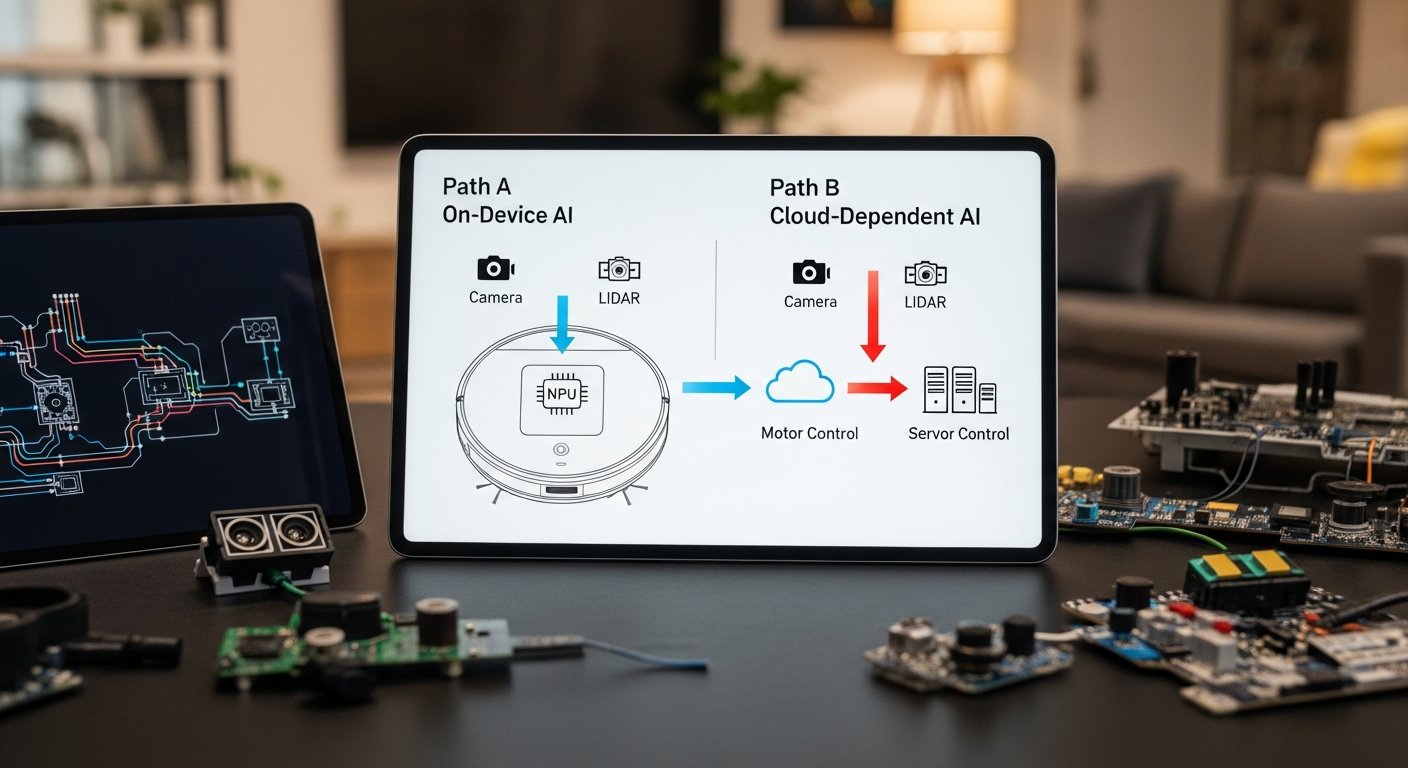
The single most important factor in a robot’s intelligence is not its suction power or mopping pressure; it’s the location of its compute. There are two distinct models in the market today:
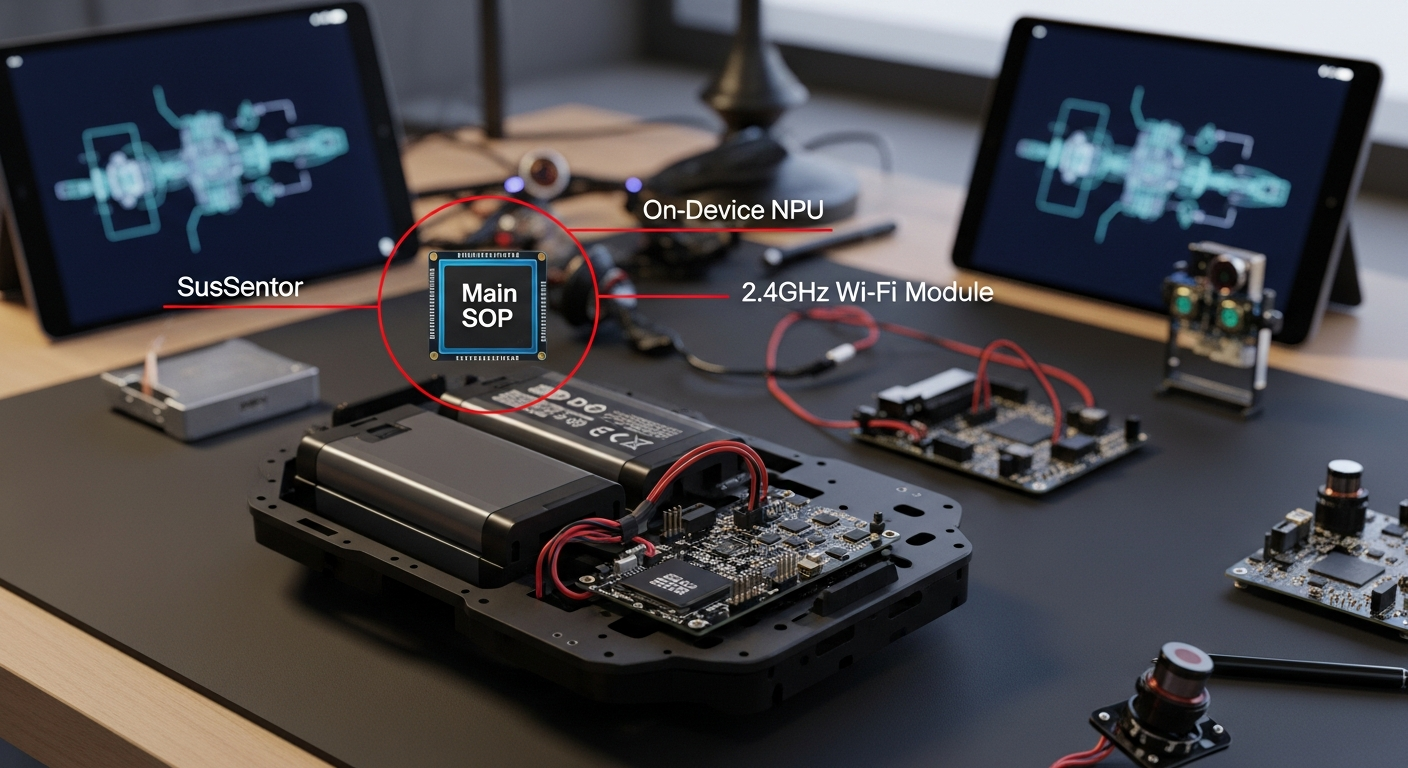
- On-Device Processing: The robot has a dedicated NPU (Neural Processing Unit) on its mainboard. It uses its sensors (camera, LiDAR, etc.) to capture data, and this NPU processes it in real-time, locally. Object recognition, pathing, and decision-making happen inside the robot itself. This is faster, more reliable (doesn’t depend on your internet connection), and infinitely more private.
- Cloud-Dependent Processing: The robot is a “dumb” terminal. When it encounters an object it doesn’t recognize, it takes a picture or sensor data, uploads it to the manufacturer’s cloud servers, and waits for instructions. This is the iRobot model. It introduces latency, a critical point of failure (what if their servers go down?), and a massive privacy risk. You are actively sending images from inside your home to a third party for analysis.
If a robot needs to ask a server in another country what a sock looks like, it has failed the Brain Check.
On-Device vs. Cloud AI: Pros & Cons
| Aspect | On-Device AI (Roborock, Dreame) | Cloud-Dependent AI (iRobot) |
|---|---|---|
| Pros | Privacy: No images leave your home. Speed: Instantaneous obstacle recognition. Reliability: Works without an internet connection. Local Control: Can be firewalled from the internet. |
Potentially Larger Dataset: Can leverage a global fleet’s data to identify new objects (in theory). |
| Cons | Higher Upfront Cost: Requires more powerful, expensive on-board processors (NPUs). | Major Privacy Risk: Sends images from inside your home to a server. Latency: Slower decision-making. Single Point of Failure: Useless if internet or company servers are down. No True Local Control: Becomes a “dumb” robot if firewalled. |
Sensor Fusion: How Robots Actually “See” Your Mess
A robot’s “AI” is only as good as the data it receives. Modern high-end vacuums use a technique called sensor fusion, combining data from multiple sensor types to build a comprehensive picture of their environment. Let’s break down the key hardware.
Navigation: The Blueprint of Your Home (LiDAR vs. vSLAM)
This is the primary sensor for mapping. It’s how the robot knows where it is, where it’s been, and how to get back to the dock.
- LiDAR (Light Detection and Ranging): The gold standard. A spinning turret fires a low-power laser, measuring the time it takes for the light to reflect off surfaces. This creates a highly accurate 2D point-cloud map of your home.
- Pros: Extremely accurate, works perfectly in complete darkness, less computationally intensive for basic mapping.
- Cons: The spinning turret is a mechanical moving part that can fail. It can have issues with reflective surfaces like mirrors or polished chrome legs, sometimes seeing them as open space.
- vSLAM (Visual Simultaneous Localization and Mapping): Uses a standard camera (usually wide-angle) to identify features and landmarks in a room to build a map.
- Pros: No moving parts on the sensor itself. Can capture visual data that might be useful for object recognition.
- Cons: Highly dependent on good lighting. Performance degrades significantly in dim or dark rooms. It can get lost if the environment is too uniform (e.g., a long hallway with blank white walls) or if the lighting changes dramatically. This is iRobot’s chosen method.
For raw mapping reliability, LiDAR is the clear winner. There’s a reason industrial and autonomous vehicle systems rely on it.
Object Avoidance: Dodging the Dog Poop
This is where the “AI” marketing gets heavy. This system’s job is to identify and avoid smaller, non-structural obstacles that the main navigation sensor might miss.
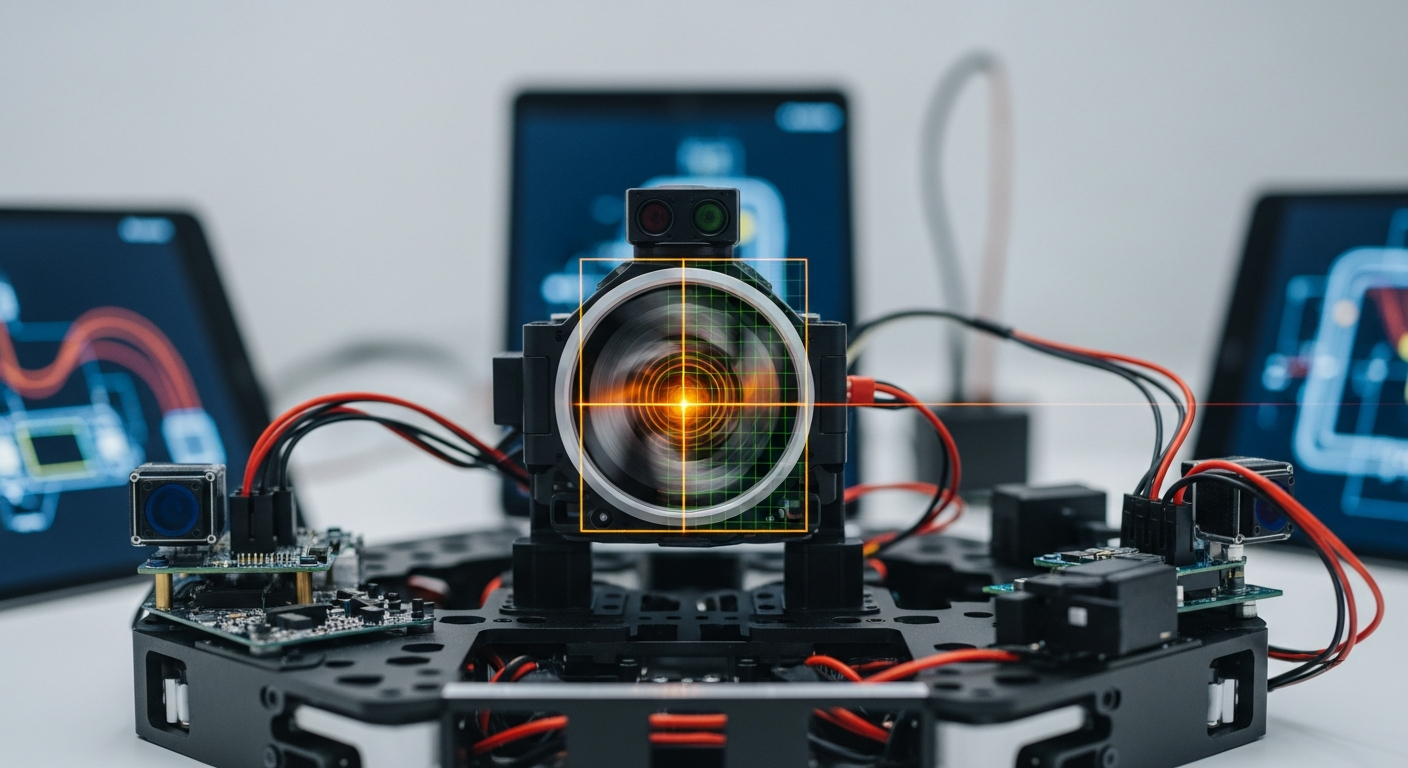
- Camera + Structured Light/Laser: The superior system, used by Roborock and Dreame. The robot projects a pattern of light (dots, grids) onto the floor ahead of it. A camera then observes how this pattern deforms over objects. This allows the robot to perceive 3D depth accurately, enabling it to distinguish a flat shadow from a physical cable.
- Camera + LED Illuminator: The budget approach, used by iRobot. It’s essentially a camera with a flashlight. It takes a 2D picture of the obstacle and tries to identify it. It has no true depth perception, which is why it struggles with low-profile items (like pet waste) and is more reliant on cloud-based image analysis to guess what it’s seeing.
If a robot can’t tell the difference between a sock and a shadow without phoning home, it’s not intelligent; it’s a liability.
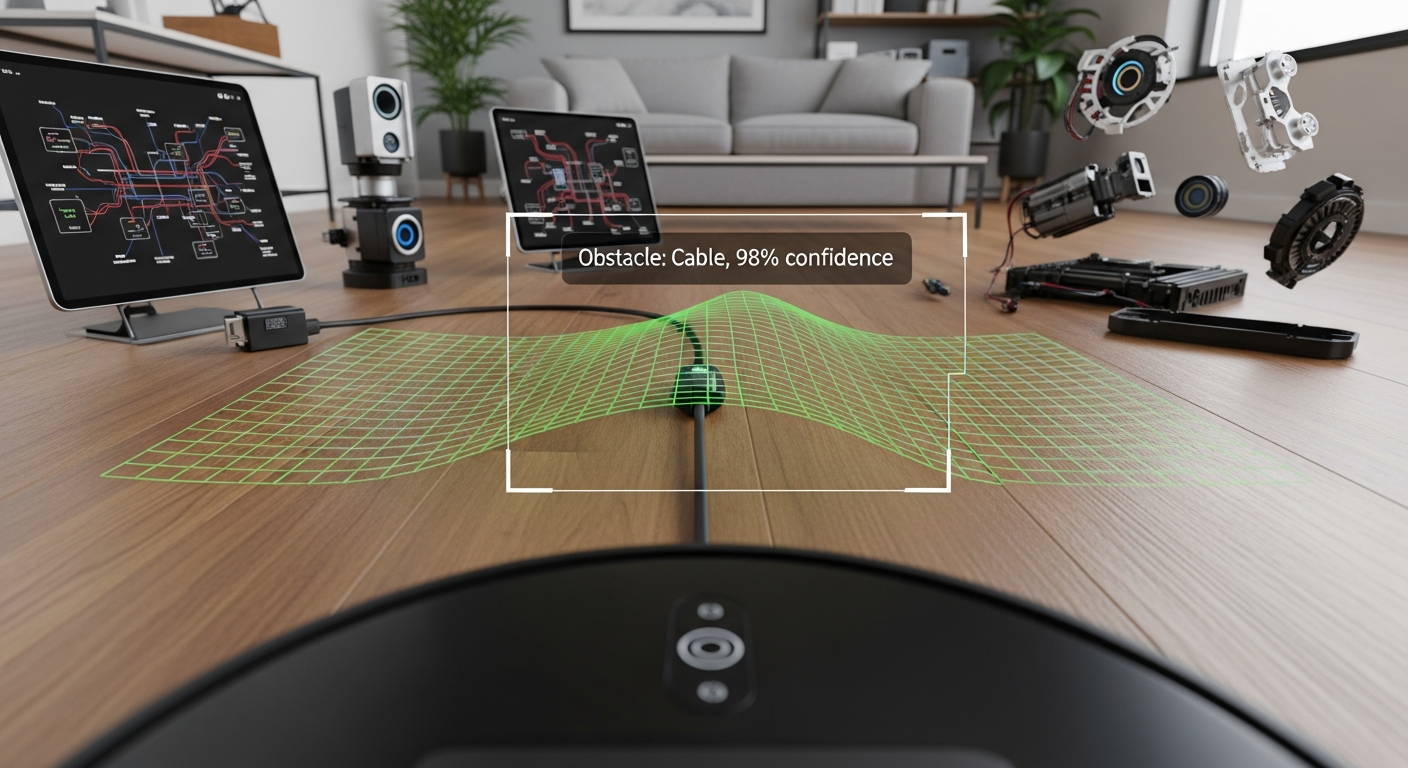
The Spec Sheet Showdown: Roborock vs. iRobot vs. Dreame
Let’s put the marketing aside and look at the hardware. The spec sheet tells the real story.
| Feature | Roborock S8 MaxV Ultra | iRobot Roomba Combo J7+ | Dreame L20 Ultra |
|---|---|---|---|
| Navigation Sensor | LiDAR | Camera (vSLAM) | LiDAR |
| Object Avoidance Sensor | RGB Camera + Structured Light | Camera + LED Illuminator | RGB Camera + Dual Lasers |
| “AI” Marketing Term | ReactiveAI 2.0 | PrecisionVision Navigation | Pathfinder™ Smart Navigation |
| AI Compute Location | On-Device (NPU on mainboard) | Cloud-Dependent | On-Device |
| Connectivity Protocol | 2.4GHz Wi-Fi (802.11b/g/n) | 2.4GHz Wi-Fi | 2.4GHz Wi-Fi |
| FCC ID | 2AN2O-S8PU |
URO-J7C |
2AX8I-R2228 |
| Openness / Repair | Closed SDK. Relies on community reverse-engineering. | Closed Ecosystem. Heavily reliant on iRobot Cloud. | Closed SDK. Relies on community reverse-engineering. |
| Privacy Risk | Medium (Camera present, but processing is local) | High (Actively sends images to the cloud) | Medium (Camera present, local processing) |
| Est. Price (USD) | ~$1600 | ~$900 | ~$1300 |
The data is unambiguous. Roborock and Dreame use a superior sensor suite (LiDAR + 3D vision) and process the data on-device. iRobot uses a weaker sensor suite (vSLAM + 2D camera) and offloads the “thinking” to the cloud, creating a significant privacy risk.
And can we talk about the Wi-Fi? It is unacceptable for a $1600 flagship device in 2024 to use an 802.11n 2.4GHz Wi-Fi chip from 2009. This isn’t a cost-saving measure; it’s a deliberate choice to limit the device’s capabilities to what their cloud infrastructure can handle, preventing more advanced local-first features.
Verdict: The Systems Integrator’s Scorecard
For a device to be truly “smart,” it must respect the user’s privacy and integrate into a broader ecosystem without being a liability. Here is the final judgment on robot vacuum AI.
- Best Technology: The combination of LiDAR for mapping and a Camera with Structured Light/Laser for 3D object avoidance is the winning hardware spec.
- Best Architecture: On-Device AI Processing is non-negotiable for privacy, speed, and reliability. Cloud-dependent AI is a critical failure.
- Winner for Integrators: Roborock and Dreame are the clear choices. They use the superior hardware and architecture, and critically, they can be firewalled from the internet and controlled locally via Home Assistant.
- Avoid: iRobot products fail the “Brain Check.” Their reliance on cloud-processing and weaker vSLAM sensors makes them a poor choice for anyone concerned with privacy or system reliability.
Smart Home Integration Score: The Walled Garden Problem
- Score: 3/10
No major manufacturer provides an open, local API or SDK. They want to lock you into their proprietary app and cloud services. This is a massive failure for the smart home community. Our only recourse is the incredible work of open-source developers who reverse-engineer the protocols to create integrations for platforms like Home Assistant, often found in the Home Assistant Community Store (HACS).
The arrival of Matter was supposed to fix this. It has not. The current Matter specification for robot vacuums is laughably basic, offering little more than start, stop, and dock commands. It doesn’t expose maps, sensor data, or object avoidance logs. Manufacturers have implemented it poorly (looking at you, Roborock, with your buggy initial release) because a robust, local Matter integration is a direct threat to their data-hoarding business model.
If you want true local control, you’ll be using a community-built HACS integration in Home Assistant, not an official solution.
Privacy & Local Control Assessment: Can You Unplug It?
- Roborock/Dreame: Pass (with effort). Because they have on-device compute, you can set them up, get the local control token, and then use your router’s firewall to block their internet access completely. They will continue to function perfectly via Home Assistant.
- iRobot: FAIL. Its brain is in the cloud. If you block its internet access, you get a dumb bump-and-go robot with no mapping or object avoidance. It is fundamentally a surveillance device.
Privacy Risks are Real:
* Data Breaches: Your home’s floor plan, cleaning schedule (when you’re home/away), and for iRobot, actual images of your belongings, are stored on a server, ripe for hacking.
* Functionality Ransom: Manufacturers can (and do) move features behind a subscription paywall, which requires a cloud connection to enforce.
* Loss of Service: If the company goes out of business or deprecates your model, your expensive hardware could be bricked overnight.
FAQ: The Integration Questions
- Can I block this robot from the internet?
Yes, but only if it has on-device processing (Roborock, Dreame). You must first set it up with the official app, extract the local access token for Home Assistant, and then create a firewall rule to block its WAN access. An iRobot will cease to function intelligently if blocked. - Does it work with Home Assistant?
Yes, most popular models from Roborock and Dreame have excellent community-developed integrations available via HACS (Home Assistant Community Store). Official support is non-existent. iRobot integration exists but is cloud-dependent, defeating the purpose of local control. - Is Matter a real solution for vacuums yet?
No. The current spec is a “minimum viable product.” It lacks the advanced controls for rooms, zones, maps, and sensor data that make these robots smart. It’s a checkbox feature for marketing, not a serious integration tool. Don’t buy a robot based on its Matter support today. - For privacy, which is better: LiDAR or a Camera?
LiDAR, by an order of magnitude. It “sees” the world as a series of distance points (a point cloud). It cannot create a photograph. A camera, by definition, captures images of you, your family, and your home. Even with local processing, a camera is a potential privacy risk that LiDAR is not. - Why does my expensive robot still fail on black cables or shiny chrome legs?
Sensors have physical limitations. Black objects absorb light, making them difficult for both cameras and LiDAR to “see.” They can appear as a hole or shadow. Highly reflective surfaces like polished chrome can act like a mirror for the LiDAR laser, scattering the beam or reflecting it away from the sensor, making the object appear invisible or further away than it is.
In conclusion, the “intelligence” of a robot vacuum is a direct result of its sensor hardware and, most critically, its commitment to on-device processing. Models like the Roborock S8 MaxV Ultra and Dreame L20 Ultra represent the correct engineering path: powerful local compute combined with a sophisticated sensor suite. iRobot’s cloud-first strategy is a dead end, trading user privacy and device reliability for a locked-down ecosystem. As a systems integrator, my choice is clear: I’ll always bet on the hardware that keeps its thinking local. The cloud can be a useful tool, but it should never be the brain.