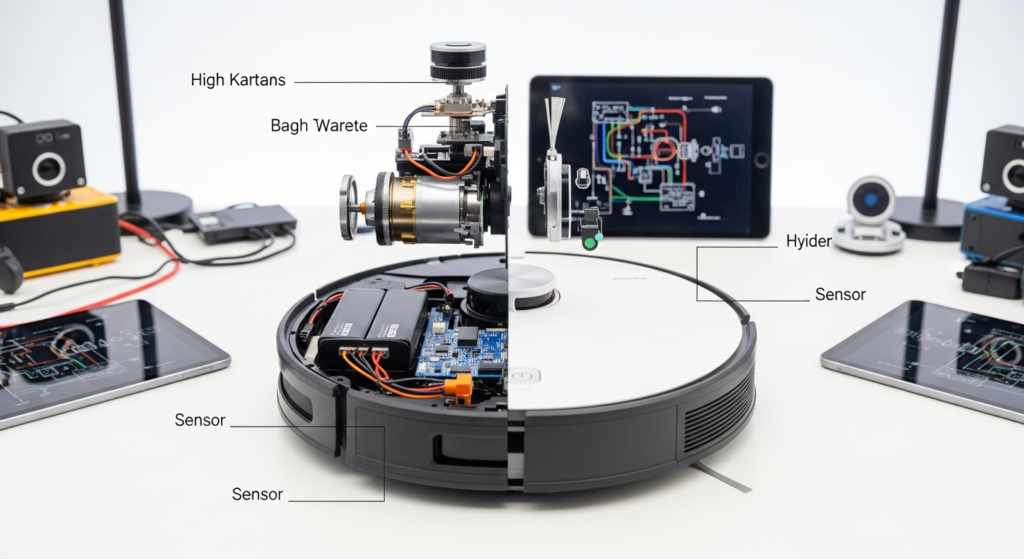
You’re in the market for a robot vacuum. The marketing tells you it has “AI-powered navigation” and “Hyper-Intelligent Mapping.” But what you’re really buying isn’t “AI”—it’s a specific stack of hardware. This guide deconstructs that hardware, so you know if you’re buying an intelligent, locally-controlled appliance or a cloud-dependent gadget that will be useless in three years.
We’re not going to talk about suction power in Pascals; that’s a solved problem. We’re going to perform a hardware audit. We’ll answer the two critical questions: “Does it think, or just follow a script?” and “Is the processing Local or Cloud?”
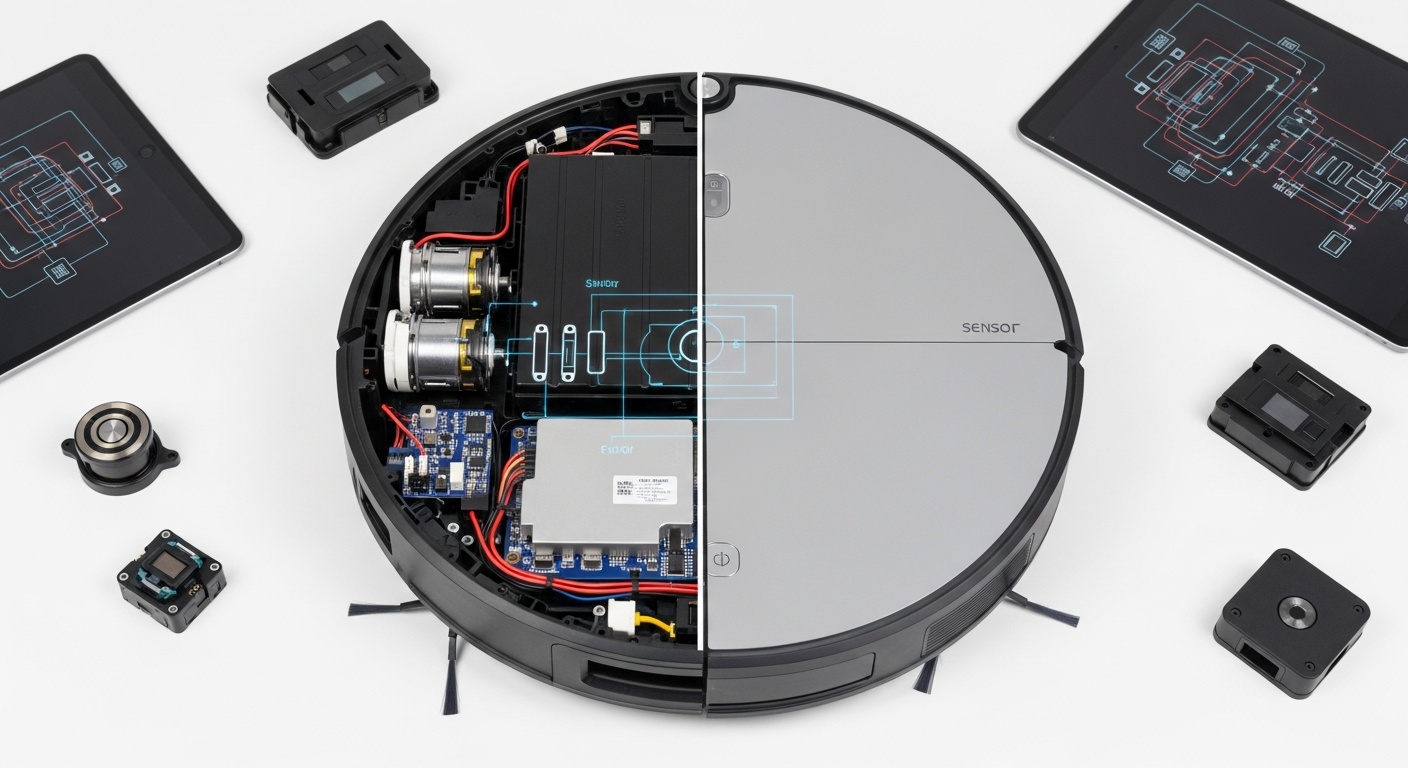
The Sensor Suite: A Robot’s Eyes and Ears
A robot is only as smart as the data it receives. Fancy algorithms are useless if the sensors are cheap or ill-suited for the environment. The best systems use sensor fusion—combining the strengths of multiple sensor types to create a comprehensive understanding of your home. Don’t fall for a robot with just one trick.
The Core Sensor Stacks Compared
| Sensor Stack | Primary Mapping | Obstacle Avoidance | Low-Light Performance | The Truth |
|---|---|---|---|---|
| LiDAR + 3D ToF | LiDAR | Structured Light/ToF | Excellent | The current gold standard. Precise mapping from LiDAR, excellent small-obstacle avoidance from the 3D sensor. This is what you want for a truly autonomous clean. |
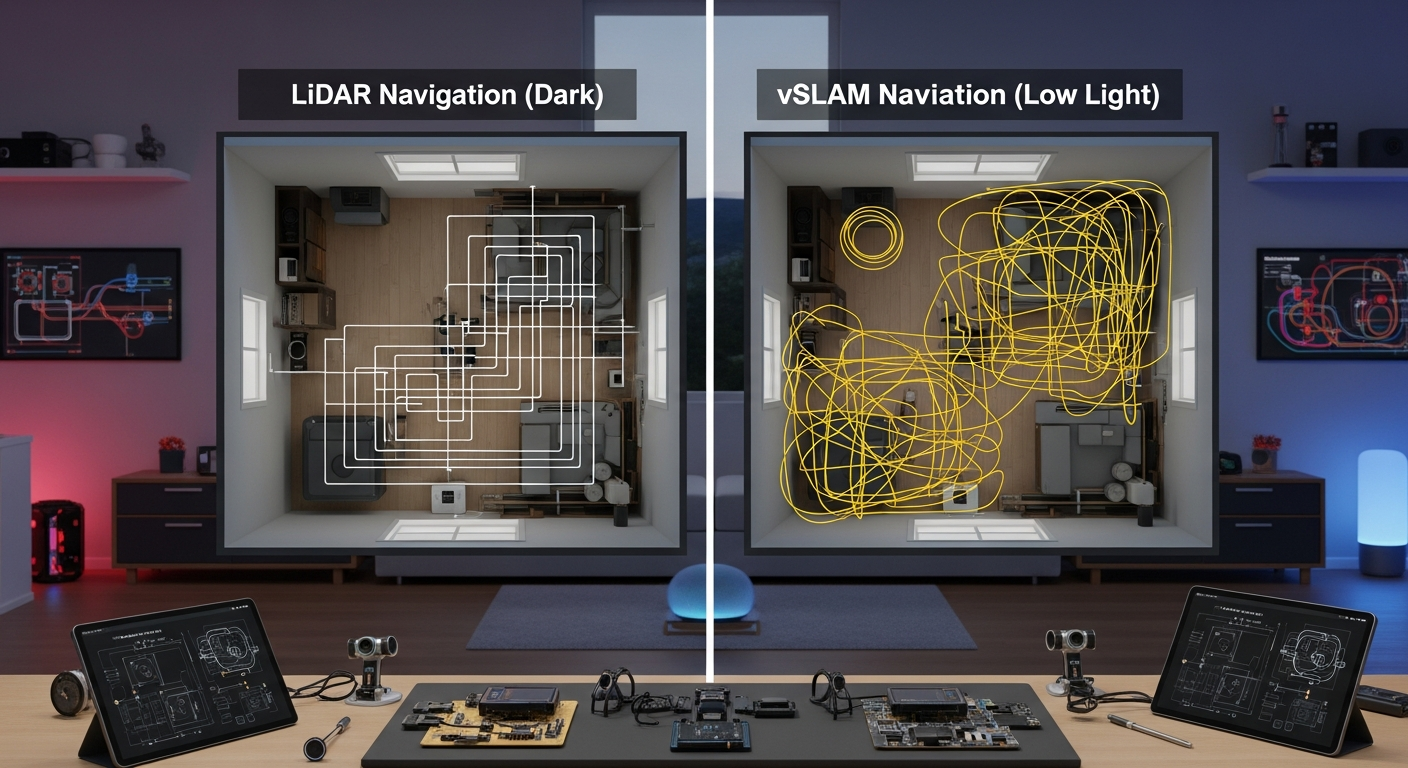
| vSLAM Camera + 3D ToF | Camera | Structured Light/ToF | Poor to Fair | Good obstacle avoidance, but the primary mapping fails in the dark. If you run your bot at night, this is a non-starter. Raises privacy flags. |
| LiDAR Only | LiDAR | LiDAR + IR | Good | Excellent mapping, but it’s blind to objects below its laser line (cables, pet waste). It also notoriously fails on black rugs and mirrors. |
| vSLAM Camera Only | Camera | Camera + IR | FAIL | Requires bright light to navigate and still struggles with object identification. This is a privacy nightmare waiting to happen. Avoid. |
| IR + Gyroscope | Gyroscope | IR + Bump | FAIL | “Dumb” bump-and-run navigation. It doesn’t map; it wanders aimlessly. Don’t even consider this in the current year. |
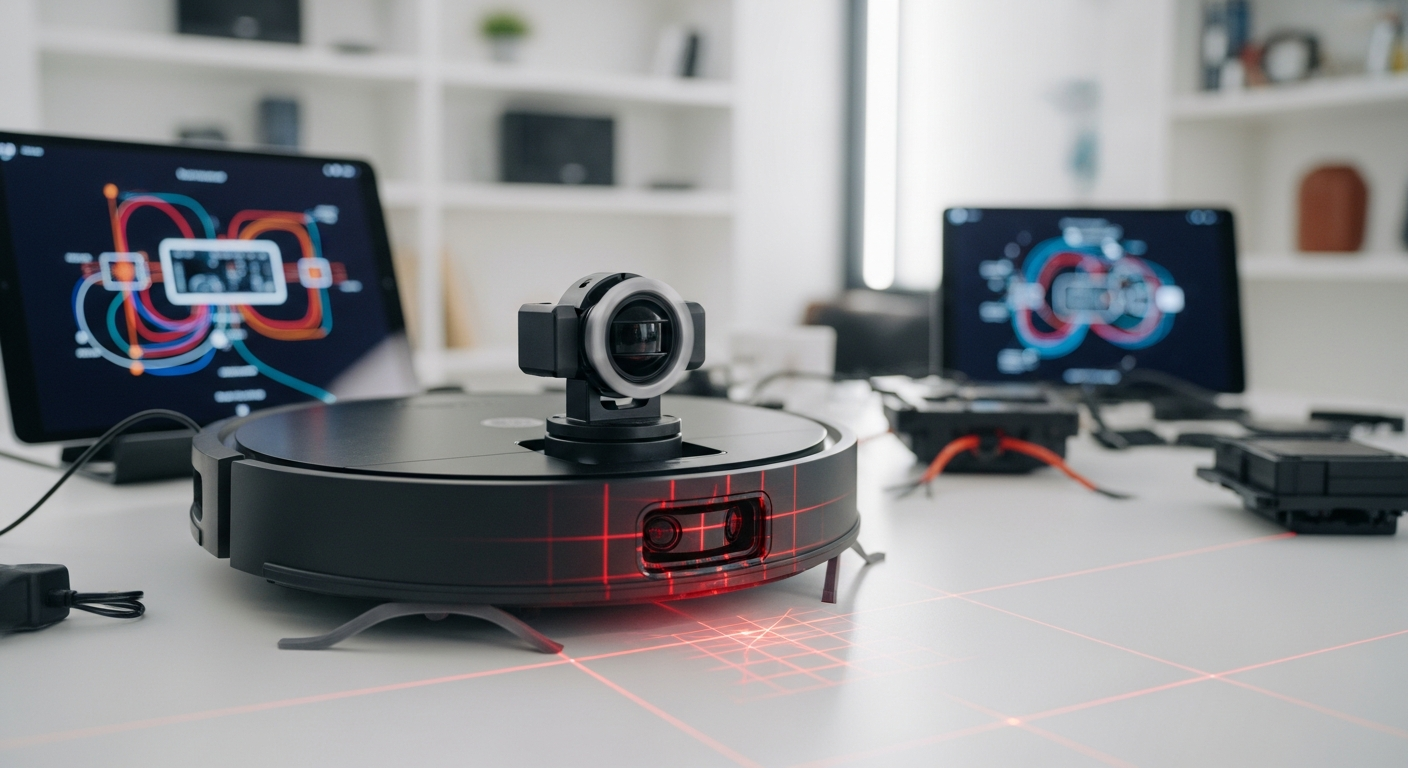
LiDAR (Light Detection and Ranging)
This is the spinning turret you see on most high-end robots. It fires a laser and measures the time it takes for the light to return, building a 360-degree map of your home with millimeter precision.
- The Win: Unbeatable for creating a precise, persistent map of your home’s layout. It works in complete darkness, enabling reliable overnight cleaning schedules. The cleaning paths are methodical and efficient—no random wandering.
- The Fail: LiDAR has two Achilles’ heels. First, reflective surfaces like mirrors or polished chrome legs create phantom rooms or invisible walls, confusing the navigation. Second, black surfaces (like some rugs or furniture) absorb the laser light, appearing as a “void” or cliff, which the robot will refuse to cross. The turret’s height can also prevent it from getting under low-clearance furniture.
Camera (vSLAM – Visual Simultaneous Localization and Mapping)
Instead of a laser, vSLAM uses a camera to identify features and landmarks in your home to build a map. Think of it as navigating by sight.
- The Win: It can have a lower profile than LiDAR bots. In theory, it can identify specific objects—the marketing will show it neatly avoiding a dog toy or a power cord.
- The Fail: It needs light. In a dim room or at night, it’s effectively blind. Performance degrades significantly, and it will get lost. More importantly, it’s a rolling camera connected to the internet. You are trusting the manufacturer’s security and privacy policy not to upload images of your home’s interior. This is a massive privacy risk for minimal gain over a good 3D sensor.
3D Sensors (ToF/Structured Light)
This is the real hero of modern object avoidance. Instead of a single laser point, it projects a pattern of infrared dots (Structured Light) or uses a Time-of-Flight (ToF) sensor to create a real-time 3D depth map of what’s directly in front of it.
- The Win: This is how a robot avoids the stuff LiDAR misses: phone chargers, shoelaces, and the dreaded pet waste. It works in total darkness and is focused on short-range, high-detail avoidance. It’s the key component that stops a robot from needing to be “rescued.”
- The Fail: It’s not a failure, but a limitation. Its range is short, so it’s not used for primary room mapping. It’s purely for close-quarters obstacle negotiation. A robot advertised with “AI Object Avoidance” that lacks a 3D sensor is lying to you.
The Brain Check: Local Compute vs. Cloud Dependency
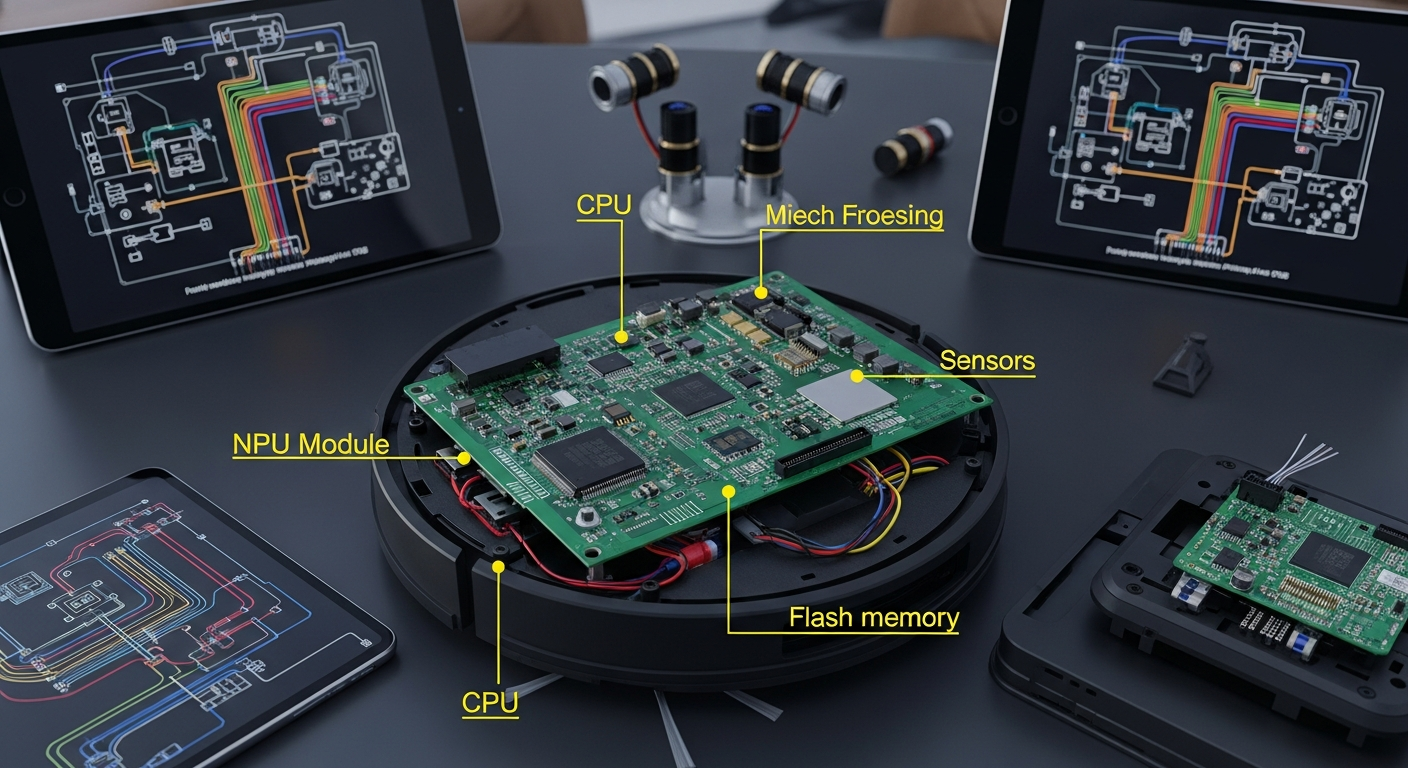
“AI” is the most overused and misleading term in home robotics. It’s not a feature; it’s a software process. The only question that matters is WHERE that process runs.
| Aspect | On-Device (Local) Processing | Cloud-Dependent Processing |
|---|---|---|
| Privacy | High. Map and sensor data never leave your house. | FAIL. Your home layout, and potentially camera images, are sent to a server you don’t control. |
| Functionality | High. Works perfectly with the internet disconnected. | FAIL. Loses mapping, object recognition, or even basic scheduling if your internet is down or their servers fail. |
| Longevity | High. The device will function as long as the hardware works. | FAIL. The manufacturer can end-of-life the product by shutting down the cloud server, turning your expensive robot into a paperweight. |
| User Control | High. Can be firewalled and integrated into local systems like Home Assistant. | Low. You are locked into the manufacturer’s app and ecosystem. |
The “AI Washing” problem is rampant. A manufacturer offloads the processing to the cloud because it’s cheaper. They can use a less powerful (and less expensive) onboard processor and let their servers do the heavy lifting. This is a direct trade-off: they save money, and you lose privacy and control.
Smart Home Integration Score: The Home Assistant Test
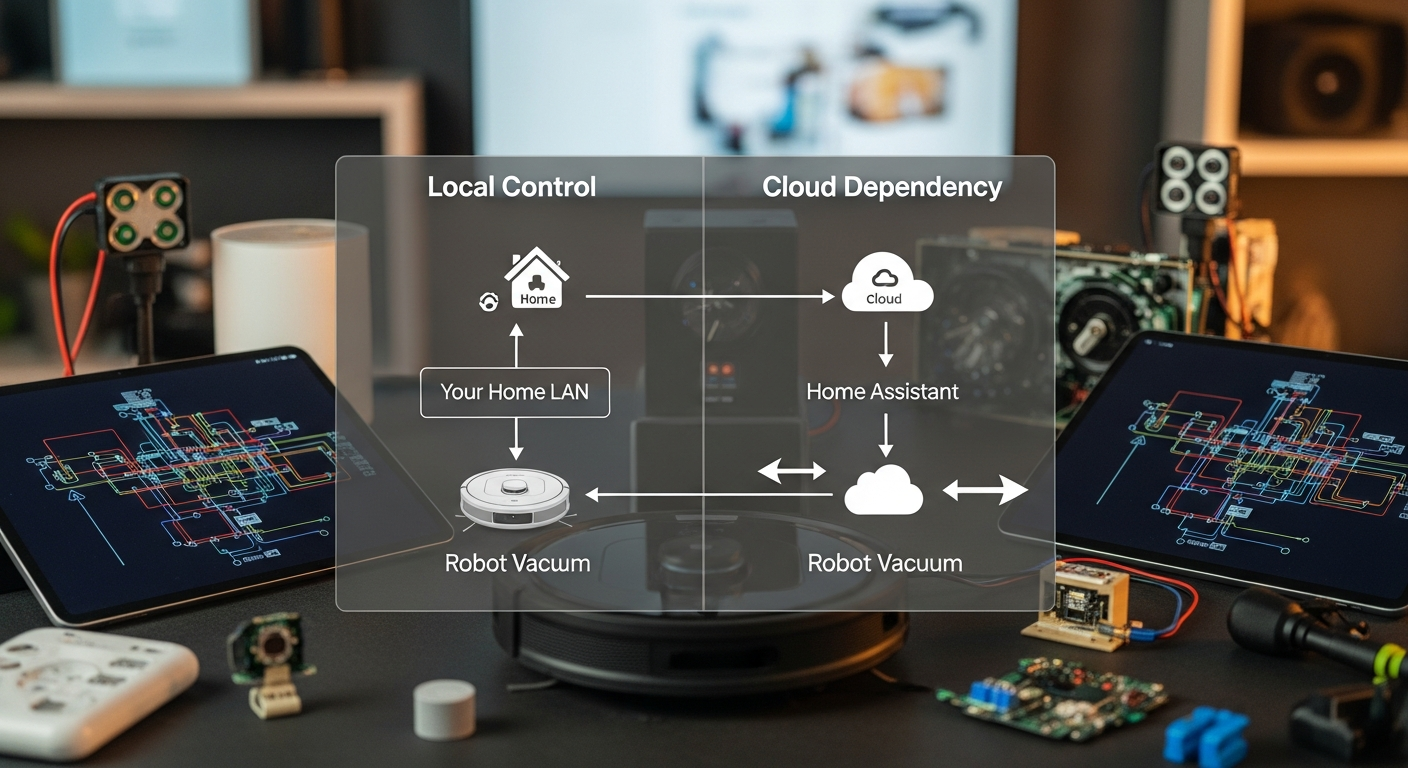
A device’s true “smartness” is measured by its ability to integrate with an open, local control system. If it only works through its own cloud app or Alexa, it’s not smart; it’s a remote-controlled appliance.
- Local Control Champion (Score: A+): The device has a documented, local API. It can be fully controlled without any internet connection. The best example in this space is rooting a vacuum and installing Valetudo, a cloud-free alternative firmware. This is the gold standard.
- Official but Cloud-Dependent (Score: C-): This is the Roborock and Ecovacs model. Yes, there’s a Home Assistant integration, but it’s a trap. It relies on the same cloud connection as the mobile app. If you block the robot’s internet access, the integration breaks.
Here’s what a basic Roborock configuration in Home Assistant looks like. It’s simple, but it hides a critical dependency.
This YAML authenticates with Roborock’s cloud servers, not the robot directly on your LAN. You are giving Home Assistant the keys to your cloud account. If their service goes down, your automations fail. This is not local control.
Privacy / Local Control Assessment
FAIL. The majority of mainstream robots fail this test out of the box. They are designed to be data-gathering endpoints for the manufacturer.
To reclaim control, you must isolate the device on its own VLAN (a segregated part of your network) and block its internet access.
- What happens when you block internet?
- Valetudo-compatible robot: It works perfectly. Full control via Home Assistant.
- Stock Roborock/Ecovacs: You lose all “smart” functionality. No map, no remote control from HA or the app. It may work as a “dumb” bump-bot if you can press the physical button, but its intelligence is gone.
This is the clearest indicator of a cloud-dependent product. If it stops working when the internet is cut, you don’t truly own it.
Wife/Family Acceptance Factor (WAF)
The perfect system is one that nobody notices. It just works.
- High WAF:
- It never gets stuck. This is #1. A robot that needs constant rescuing is more work than a manual vacuum. This requires a top-tier sensor stack (LiDAR + 3D ToF).
- The dock handles everything. A good auto-empty, auto-wash, and auto-dry dock means human interaction is limited to refilling water tanks once a week.
- The app is simple for basic tasks. For non-technical users, the official app should be intuitive for starting a clean or setting a no-go zone.
- Low WAF:
- “The vacuum ate another charging cable.”
- “Why is it stuck under the couch again?”
- “The map is gone and I have to set up all the rooms again.”
- “It smeared… you know what… all over the living room.” (The ultimate vSLAM/LiDAR-only fail).
Repairability Scorecard: Built to Last or Built to Replace?
A $1,500 appliance should not be disposable. But increasingly, they are. Before you buy, consider the long-term cost of ownership and the likelihood of a simple failure turning into a total loss.
| Component | User Serviceability | The Reality |
|---|---|---|
| Consumables (Brushes, Filters) | Excellent | This is a revenue stream. Manufacturers make it trivial to replace parts they can sell you every three months. |
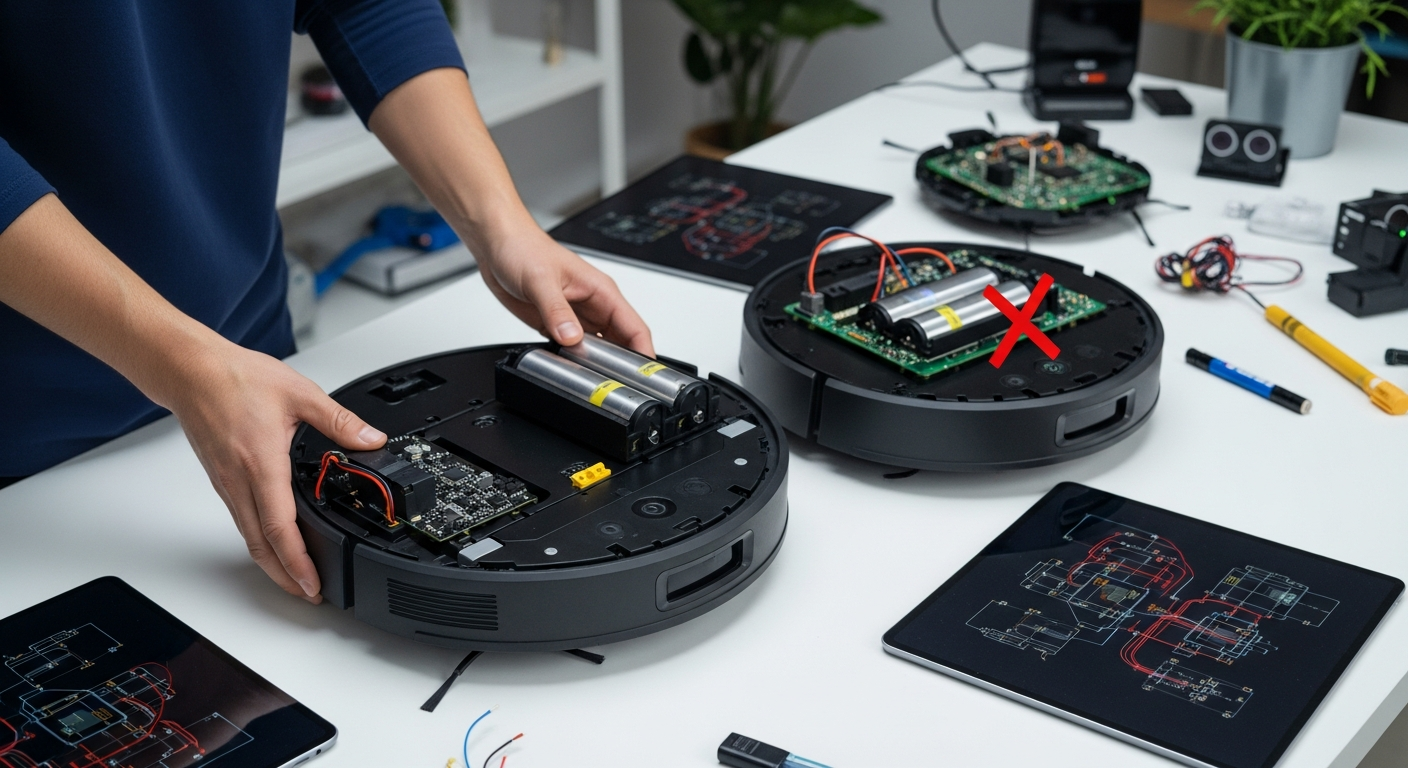
| Battery | FAIL | The battery is the #1 component to degrade over time. Most are now internal, requiring a full teardown. FCC filings often state replacement must be done by “qualified engineers,” a clear sign they don’t want you doing it. A dead battery after 2-3 years often means a dead robot. |
| Drive Wheels / Motors | FAIL | A single wheel motor failure is a common issue. The parts are not standardized and are rarely sold to consumers. Your only option is often an expensive official repair or e-waste. |
| Sensors (LiDAR motor, etc.) | FAIL | The LiDAR turret motor is a common point of failure. Like the wheel motors, getting a replacement part is nearly impossible for the average user. |
The industry trend is toward sealed, unrepairable black boxes. This planned obsolescence is unacceptable. Support brands that offer spare parts or have designs that are easier to disassemble.
FAQ: The Integrator’s Checklist
1. Can I block this robot vacuum from the internet?
Yes, you can always block a device at your firewall. The real question is what happens next. For most brands (Roborock, Ecovacs, iRobot), you will lose all smart functionality. For a robot running Valetudo, it will continue to work perfectly under local control.
2. Does it work with Home Assistant?
“Works with” is a loaded term. Most popular brands have a Home Assistant integration, but it’s almost always a cloud integration. It depends on their servers. For true, robust local control, you need a device compatible with open-source firmware like Valetudo. Always check the Home Assistant forums for the specific model you’re considering.
3. How can I tell if a robot uses Local or Cloud processing for object recognition?
The easiest test is to disconnect your home from the internet and see if the feature still works. Put a shoe in the robot’s path. If it avoids it, the processing is likely local. If it plows right into it, the “AI” was in the cloud. Manufacturers rarely advertise this, so you have to test it yourself or rely on technical reviews.
4. Is a vSLAM camera a privacy risk?
Absolutely. It’s a network-connected camera mapping the inside of your home. Even if a company has a good privacy policy today, that can change. The data could be breached, sold, or subpoenaed. For a smart home, the only secure camera is one you control completely, on a network you control completely. A 3D ToF sensor provides 99% of the benefit with 0% of the visual privacy risk.
5. What is the single most important hardware feature for a robot vacuum?
A 3D sensor for object avoidance (Structured Light or ToF). This is the feature that elevates a robot from a novelty to a reliable appliance. It’s what prevents it from getting stuck on everyday clutter, which is the number one reason people give up on using them. A robot with LiDAR and a 3D sensor is the current peak hardware combination.
This YAML authenticates with Roborock’s cloud servers, not the robot directly on your LAN. You are giving Home Assistant the keys to your cloud account. If their service goes down, your automations fail. This is not local control.
Privacy / Local Control Assessment
FAIL. The majority of mainstream robots fail this test out of the box. They are designed to be data-gathering endpoints for the manufacturer.
To reclaim control, you must isolate the device on its own VLAN (a segregated part of your network) and block its internet access.
- What happens when you block internet?
- Valetudo-compatible robot: It works perfectly. Full control via Home Assistant.
- Stock Roborock/Ecovacs: You lose all “smart” functionality. No map, no remote control from HA or the app. It may work as a “dumb” bump-bot if you can press the physical button, but its intelligence is gone.
This is the clearest indicator of a cloud-dependent product. If it stops working when the internet is cut, you don’t truly own it.
Wife/Family Acceptance Factor (WAF)
The perfect system is one that nobody notices. It just works.
- High WAF:
- It never gets stuck. This is #1. A robot that needs constant rescuing is more work than a manual vacuum. This requires a top-tier sensor stack (LiDAR + 3D ToF).
- The dock handles everything. A good auto-empty, auto-wash, and auto-dry dock means human interaction is limited to refilling water tanks once a week.
- The app is simple for basic tasks. For non-technical users, the official app should be intuitive for starting a clean or setting a no-go zone.
- Low WAF:
- “The vacuum ate another charging cable.”
- “Why is it stuck under the couch again?”
- “The map is gone and I have to set up all the rooms again.”
- “It smeared… you know what… all over the living room.” (The ultimate vSLAM/LiDAR-only fail).
Repairability Scorecard: Built to Last or Built to Replace?
A $1,500 appliance should not be disposable. But increasingly, they are. Before you buy, consider the long-term cost of ownership and the likelihood of a simple failure turning into a total loss.
| Component | User Serviceability | The Reality |
|---|---|---|
| Consumables (Brushes, Filters) | Excellent | This is a revenue stream. Manufacturers make it trivial to replace parts they can sell you every three months. |
| Battery | FAIL | The battery is the #1 component to degrade over time. Most are now internal, requiring a full teardown. FCC filings often state replacement must be done by “qualified engineers,” a clear sign they don’t want you doing it. A dead battery after 2-3 years often means a dead robot. |
| Drive Wheels / Motors | FAIL | A single wheel motor failure is a common issue. The parts are not standardized and are rarely sold to consumers. Your only option is often an expensive official repair or e-waste. |
| Sensors (LiDAR motor, etc.) | FAIL | The LiDAR turret motor is a common point of failure. Like the wheel motors, getting a replacement part is nearly impossible for the average user. |
The industry trend is toward sealed, unrepairable black boxes. This planned obsolescence is unacceptable. Support brands that offer spare parts or have designs that are easier to disassemble.
FAQ: The Integrator’s Checklist
1. Can I block this robot vacuum from the internet?
Yes, you can always block a device at your firewall. The real question is what happens next. For most brands (Roborock, Ecovacs, iRobot), you will lose all smart functionality. For a robot running Valetudo, it will continue to work perfectly under local control.
2. Does it work with Home Assistant?
“Works with” is a loaded term. Most popular brands have a Home Assistant integration, but it’s almost always a cloud integration. It depends on their servers. For true, robust local control, you need a device compatible with open-source firmware like Valetudo. Always check the Home Assistant forums for the specific model you’re considering.
3. How can I tell if a robot uses Local or Cloud processing for object recognition?
The easiest test is to disconnect your home from the internet and see if the feature still works. Put a shoe in the robot’s path. If it avoids it, the processing is likely local. If it plows right into it, the “AI” was in the cloud. Manufacturers rarely advertise this, so you have to test it yourself or rely on technical reviews.
4. Is a vSLAM camera a privacy risk?
Absolutely. It’s a network-connected camera mapping the inside of your home. Even if a company has a good privacy policy today, that can change. The data could be breached, sold, or subpoenaed. For a smart home, the only secure camera is one you control completely, on a network you control completely. A 3D ToF sensor provides 99% of the benefit with 0% of the visual privacy risk.
5. What is the single most important hardware feature for a robot vacuum?
A 3D sensor for object avoidance (Structured Light or ToF). This is the feature that elevates a robot from a novelty to a reliable appliance. It’s what prevents it from getting stuck on everyday clutter, which is the number one reason people give up on using them. A robot with LiDAR and a 3D sensor is the current peak hardware combination.