The marketing noise around robot vacuums is deafening. Every new flagship claims to be the “smartest,” but what does that actually mean? I’m not looking for a remote-controlled puck that follows a script; I’m looking for an autonomous agent for my home. This review strips away the fluff to answer two core questions: “Does it think, or just follow a script?” and “Is the processing Local or Cloud?”
We’re putting the three biggest names on the test bench: the Ecovacs Deebot X2 Omni, the iRobot Roomba j9+ Combo, and the Roborock S8 Pro Ultra. I’m not just running them on a pre-cleaned floor. I’m analyzing their sensor stacks, their data privacy policies, and their integration potential with a real smart home hub like Home Assistant. This is the core of building a truly smart home: the case for local control over cloud dependence. Let’s find out which one is a true home robotics platform and which is just a subscription-hungry appliance.
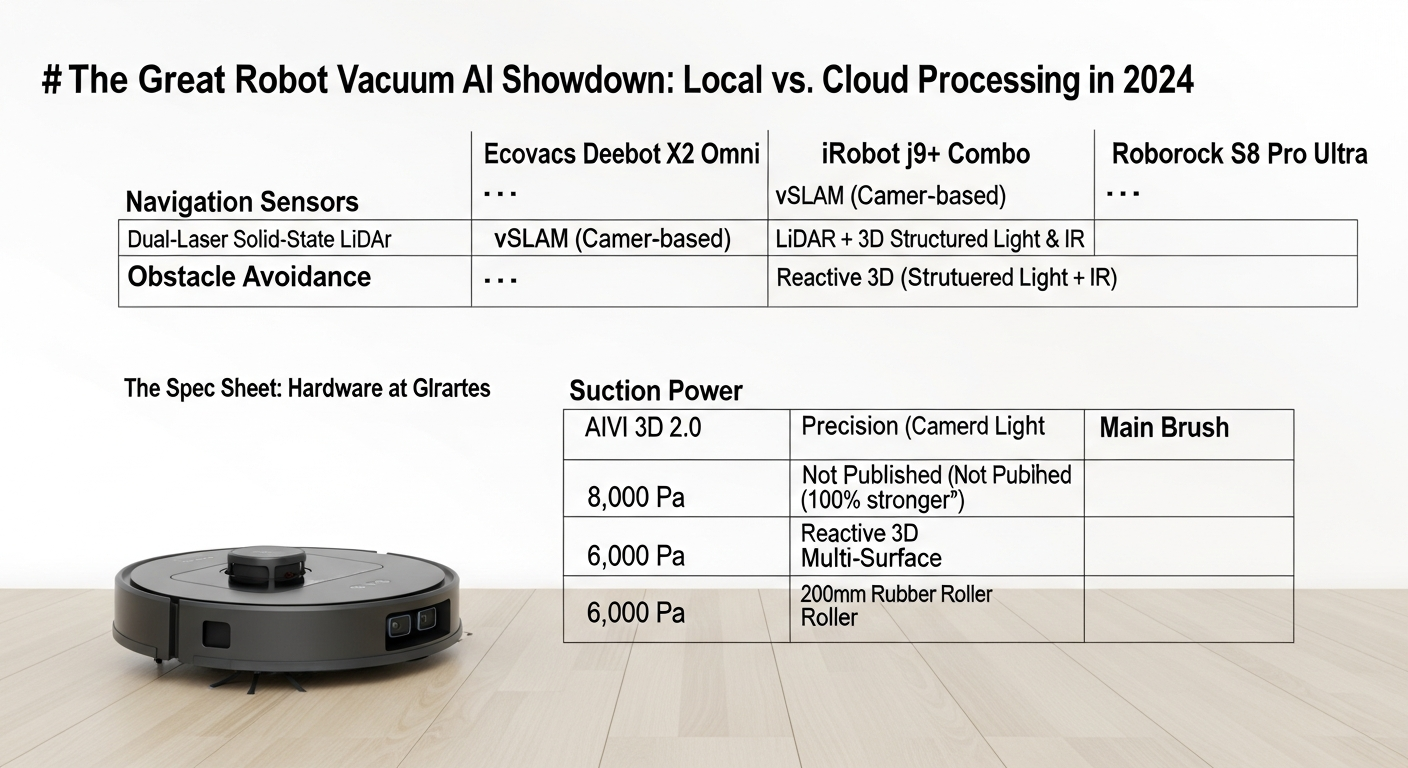
The Spec Sheet: Hardware at a Glance
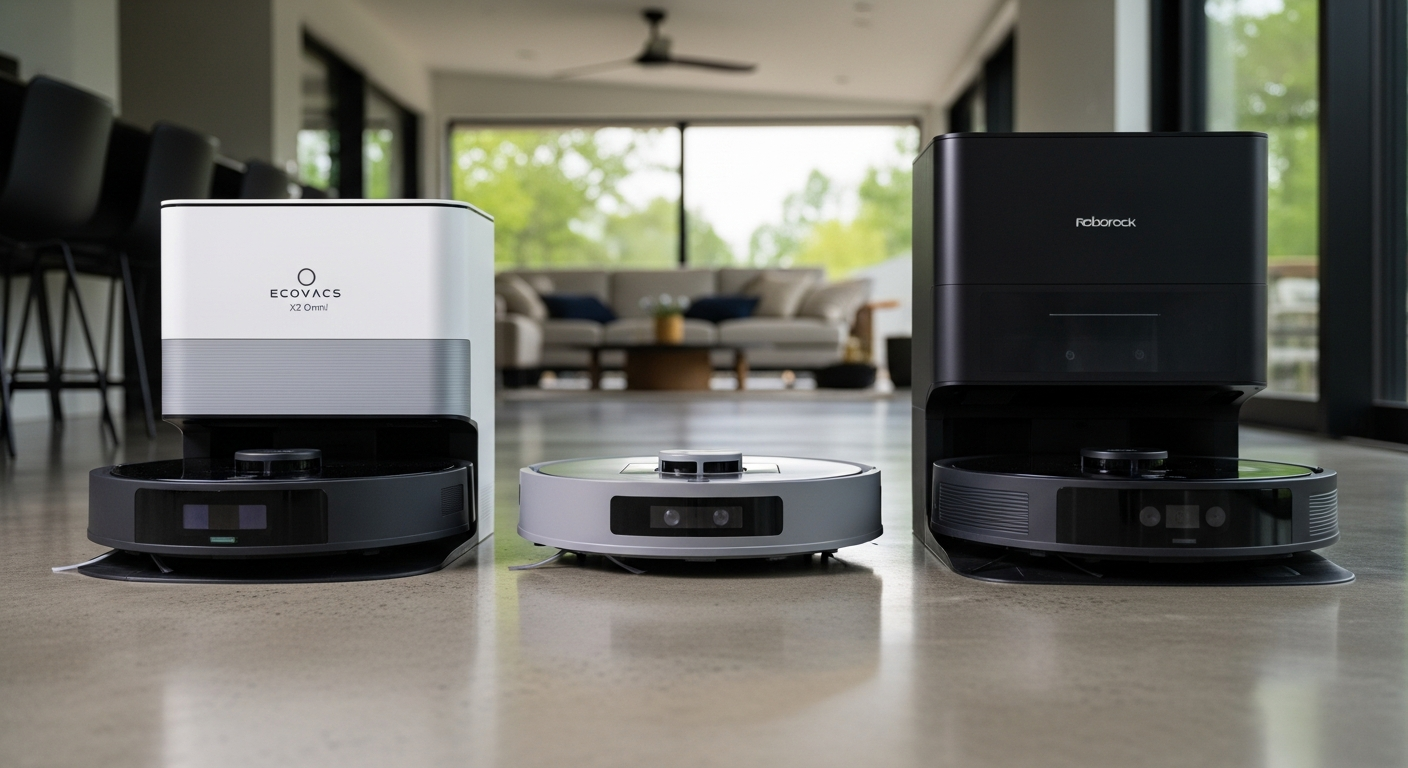
Before we dive into the brains, let’s look at the brawn. Specs on paper don’t tell the whole story, but they establish our baseline. Pay close attention to the ‘Navigation Sensors’ row—this is the most critical differentiator in our robot vacuum AI review of local vs. cloud processing.
| Feature | Ecovacs Deebot X2 Omni | iRobot Roomba j9+ Combo | Roborock S8 Pro Ultra |
|---|---|---|---|
| Navigation Sensors | Dual-Laser Solid-State LiDAR | vSLAM (Camera-based) | LiDAR + 3D Structured Light & IR Camera |
| Obstacle Avoidance | AIVI 3D 2.0 (AI + Structured Light) | PrecisionVision (Camera + LED) | Reactive 3D (Structured Light + IR) |
| Suction Power | 8,000 Pa | Not Published (Claimed “100% stronger”) | 6,000 Pa |
| Main Brush | 200mm Rubber Roller | Dual Multi-Surface Rubber Brushes | DuoRoller Riser™ Brush (Dual Rubber) |
| Mopping System | OZMO Turbo 2.0 (Dual Spinning, Lifting) | D.R.I. (Dry Rug Intelligence) Lifting Pad | VibraRise® 2.0 (Sonic Mopping, Lifting) |
| Dock: Dust Empty | Yes, 3L Bag | Yes, Bagged | Yes, 2.5L Bag |
| Dock: Mop Wash | Yes, Hot Water (55°C) | No | Yes, Cold Water |
| Dock: Mop Dry | Yes, Hot Air | No | Yes, Warm Air |
| Dock: Water Refill | Yes | Yes | Yes |
| Battery | 6,400 mAh | 4,400 mAh | 5,200 mAh |
| Dimensions (Robot) | 320 x 353 x 95 mm (Square) | 338 x 339 x 87 mm (D-Shape) | 353 x 350 x 96.5 mm (Round) |
| Matter Support? | Yes (Announced) | Yes (Announced) | Yes (Announced) |
The Brain Check: Navigation and Intelligence Review
This is the heart of the matter. A dumb robot that gets stuck on a sock is useless, no matter how much suction it has. A robot that sends pictures of my living room to a server for “analysis” is a liability.
iRobot Roomba j9+ Combo: The vSLAM Failure
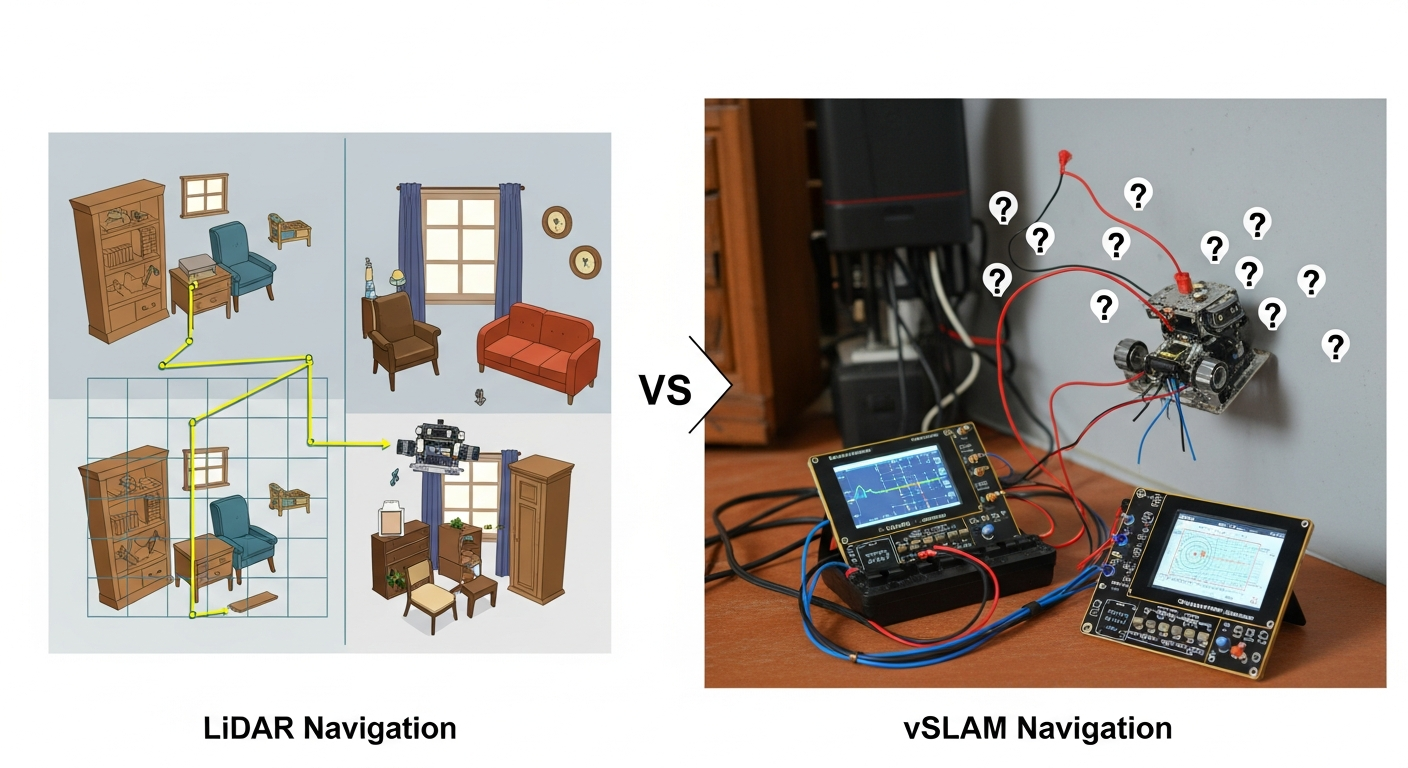
iRobot clings to its camera-based vSLAM (Visual Simultaneous Localization and Mapping) navigation. The sales pitch is that it “sees” obstacles like a person. The reality is a system with significant drawbacks, as detailed in many technical comparisons from sources like the IEEE.
- Performance: vSLAM is notoriously poor in low-light conditions. A room it mapped perfectly in the morning can become a confusing maze as the sun sets. It’s slower and less precise than LiDAR.
- The ‘Brain’ is in the Cloud: The most egregious part is “PrecisionVision.” When the j9+ encounters an unknown object, it takes a picture and sends it to the cloud for analysis. This is a critical privacy failure. You are actively training their AI model with images from inside your home.
- Local Control Verdict: Fail. If you block the j9+ from the internet, it loses its “smartest” features.
Pros & Cons: Roomba j9+
- Pros:
- D-shape can be good for corners.
- Reputable brand name.
- Cons:
- Uses privacy-invasive camera (vSLAM) for navigation.
- Poor performance in low light.
- Sends images of your home to the cloud.
- No local control API; useless without internet.
- Dock does not wash or dry its own mop.
Ecovacs Deebot X2 Omni: Solid-State LiDAR Shines
Ecovacs made a bold move with a square chassis and, more importantly, a new solid-state LiDAR system. This reduces the robot’s height to just 95mm, allowing it to get under more furniture.
- Performance: The dual-laser system provides a wide field of view (210 degrees) and rapid mapping. It’s incredibly accurate and works flawlessly in complete darkness.
- The ‘Brain’ is Local: Mapping and navigation are processed on-device. The AIVI 3D 2.0 system uses structured light to build a 3D model of obstacles and identifies them locally without sending images to the cloud.
- Local Control Verdict: Excellent. The robot can complete its cleaning and mapping tasks without an active internet connection after the initial setup.
Pros & Cons: Ecovacs X2 Omni
- Pros:
- Excellent navigation with Solid-State LiDAR.
- Best-in-class dock with hot water mop washing and hot air drying.
- Low profile (95mm) fits under more furniture.
- Strong privacy; no images sent to the cloud for analysis.
- Cons:
- Home Assistant integration is cloud-polling, not truly local.
- Square shape can sometimes be awkward in tight turns.
Roborock S8 Pro Ultra: The Refined Sensor Fusion
Roborock has been the king of LiDAR for years, and the S8 Pro Ultra refines the formula by adding a secondary system for near-field obstacle avoidance.
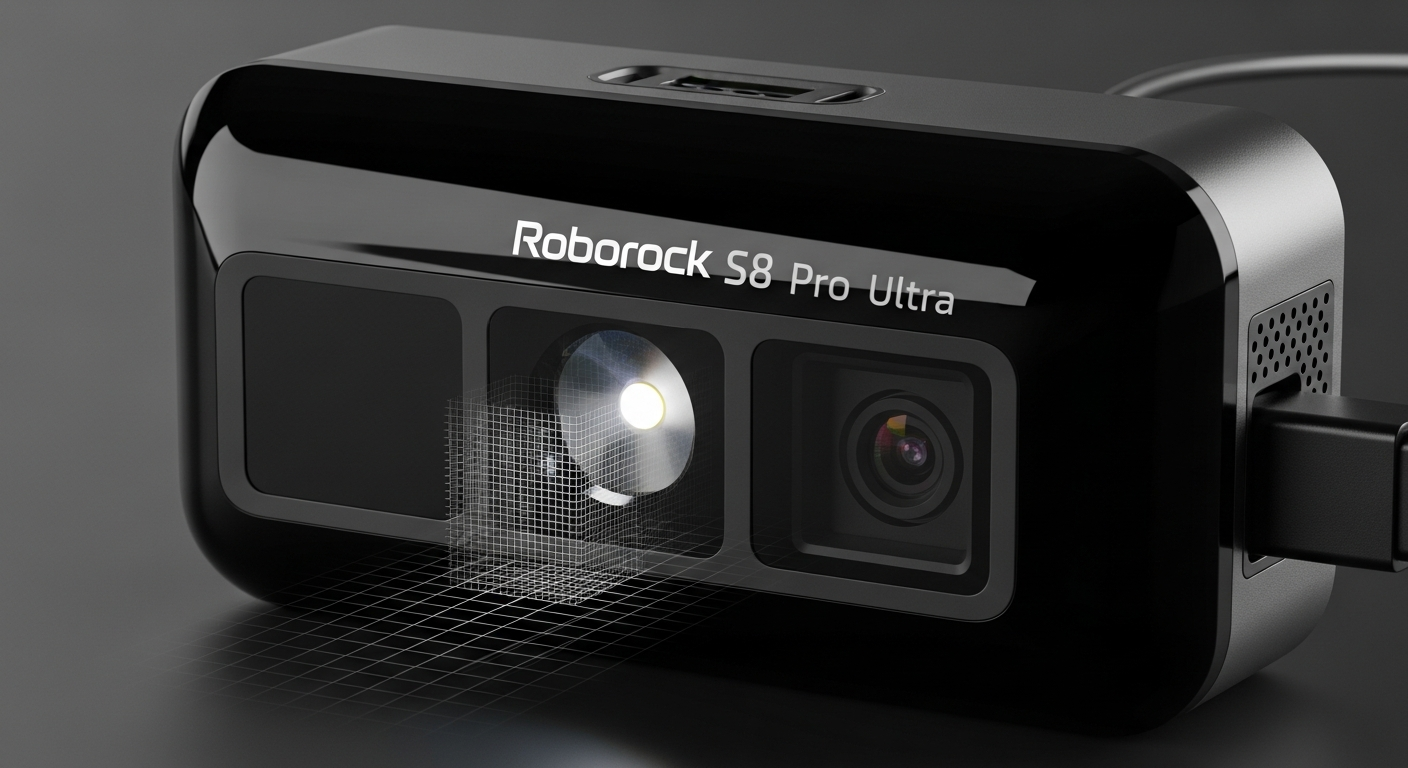
- Performance: The combination of LiDAR for macro-navigation and “Reactive 3D” (structured light + infrared camera) for micro-navigation is the gold standard. The LiDAR provides accuracy in all lighting, while the 3D system expertly dodges small objects.
- The ‘Brain’ is Local: All critical pathfinding and obstacle identification happens on the robot itself. The infrared imaging component is a significant privacy advantage over vSLAM.
- Local Control Verdict: Excellent. Roborock has a history of being more open, and the S8 continues this trend. It will operate perfectly fine firewalled from the internet.
Pros & Cons: Roborock S8 Pro Ultra
- Pros:
- Gold-standard navigation with LiDAR + Reactive 3D.
- True local control via official Home Assistant integration.
- Excellent privacy and security posture.
- Mature and reliable performance.
- Cons:
- Dock uses cold water for mop washing (less effective than Ecovacs’ hot water).
- Slightly taller than the X2 Omni.
Smart Home Integration & Local Control
A high-ticket robot should integrate into my existing ecosystem, not force me into its own walled garden. For me, the gold standard is a robust local API and seamless integration with Home Assistant (HA), just like we demand from the best local control smart plugs.
- Smart Home Integration Score:
- Ecovacs X2 Omni: 6/10
- iRobot Roomba j9+: 2/10
- Roborock S8 Pro Ultra: 8/10
iRobot: The Walled Garden
iRobot is openly hostile to local control. There is no official local API. Integrations are fragile and rely on polling iRobot’s cloud servers. It’s a non-starter for any serious systems integrator.
Ecovacs: Getting Better, But Still Cloud-Reliant
Ecovacs has an official Home Assistant integration, but it’s cloud-polling. This means your HA instance is constantly talking to Ecovacs’ servers. It’s better than nothing, but it’s not true local control.
Roborock: The Integrator’s Choice
Roborock is the clear winner here. It has a fantastic, full-featured official Home Assistant integration that works locally. Once you retrieve a token, you can firewall it from the internet completely.
This is how it should be done. The only downside is that rooting these newer devices to install open-source firmware like Valetudo is not yet possible for the S8 Pro Ultra. If it were, it would be a perfect 10/10.
The Verdict: Which Intelligence Should You Integrate?
After extensive testing, here is our recommendation for which robot vacuum to integrate into your smart home.
- Do Not Buy: The iRobot Roomba j9+ Combo is not a serious contender. Its reliance on vSLAM and cloud-based image analysis is a deal-breaker for privacy, security, and performance.
- Best Cleaning Hardware: The Ecovacs X2 Omni is the runner-up. It has the most advanced docking station with hot water washing and an innovative low-profile design. If hands-off maintenance is your absolute top priority and you can live with a cloud-polling integration, it’s a strong choice.
- Best Overall for Integrators: The Roborock S8 Pro Ultra is the clear winner. Its sensor fusion is precise, its performance is top-tier, and its commitment to a local push API for Home Assistant is unparalleled. The ability to firewall the device and maintain full, local control makes it the single best choice for building a resilient and private smart home.
Call to Action: For systems integrators and privacy-conscious users, the Roborock S8 Pro Ultra is the only logical choice. It respects your ownership of the device and your data.
FAQ for Systems Integrators
1. Can I block these robots from the internet and still use them?
* Roborock S8 Pro Ultra: Yes. After initial setup and token retrieval, you can firewall it and control it 100% locally via Home Assistant.
* Ecovacs X2 Omni: Partially. It will still clean using the physical button, but you lose all app control and smart features.
* iRobot Roomba j9+: No. It becomes a dumb bumper bot without a cloud connection.
2. Which has the best Home Assistant integration?
The Roborock S8 Pro Ultra, by a landslide. Its official, local push integration is fast, reliable, and does not depend on the cloud.
3. Is the mapping data stored locally or in the cloud?
For all three, the map is generated on the robot and synced to the cloud for the app. Only the Roborock can be fully firewalled while still allowing map-based commands (like “clean the kitchen”) via a local controller like Home Assistant.
4. What does ‘Matter support’ actually mean for these vacuums?
Initially, not much. The current Matter 1.2 spec includes basic robot vacuum controls (start, stop, dock). It does not yet include advanced features like room-specific cleaning or virtual walls. It won’t replace the full-featured local API on the Roborock.
5. Which is physically easiest to maintain or repair?
All three have modular, easily replaceable parts. The Roborock and Ecovacs docks have removable base plates for easier cleaning. Roborock parts are often more readily available on sites like AliExpress, giving it a slight edge for long-term repairs.